Time Reports Overview
Under Reports you will find the processes relevant to Time Reports, which are usually carried out periodically at the end of the month, as well as other features such as Custom Exports, mass corrections, overviews, etc.
Processes
The Time Report process consists of 3 main steps:
-
Time Entries (Managers)
Review the recorded working hours and absences: Make sure that all hours worked are recorded correctly and completely. Make corrections and approve working hours and absences. Optionally run the L-GAV Check Export to analyze possible violations of the L-GAV.
-
Time Accounts (Managers/Admins)
Ensure that the balances for hours worked, vacation, etc. are correct and resolve any discrepancies.
-
Time Report (Admins)
The Time Report section covers the process of generating the Time Report, reviewing it, locking the recorded times, and releasing it for signature. In addition, the employee's signature — whether digital or manual — is confirmed. To generate, lock, and release Time Reports for signature across the entire organization or across individual groups or teams, go to Reports → Overview. This is especially helpful for larger organizations.
Time Report Status
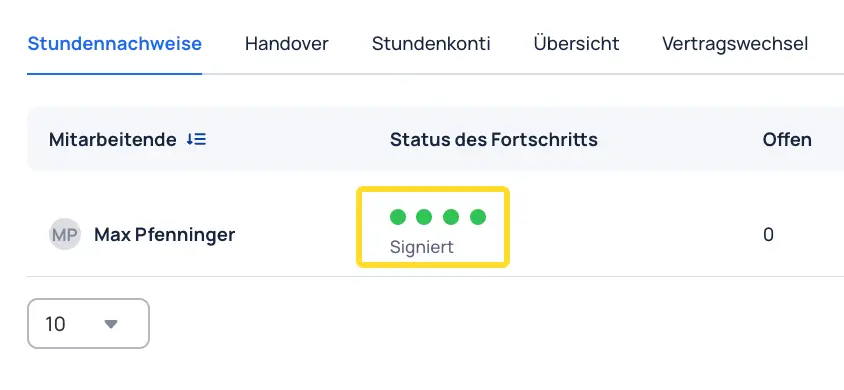
In the Time Reports overview, the progress status is shown for each employee using four dots. When a step is completed, the corresponding dot turns green.
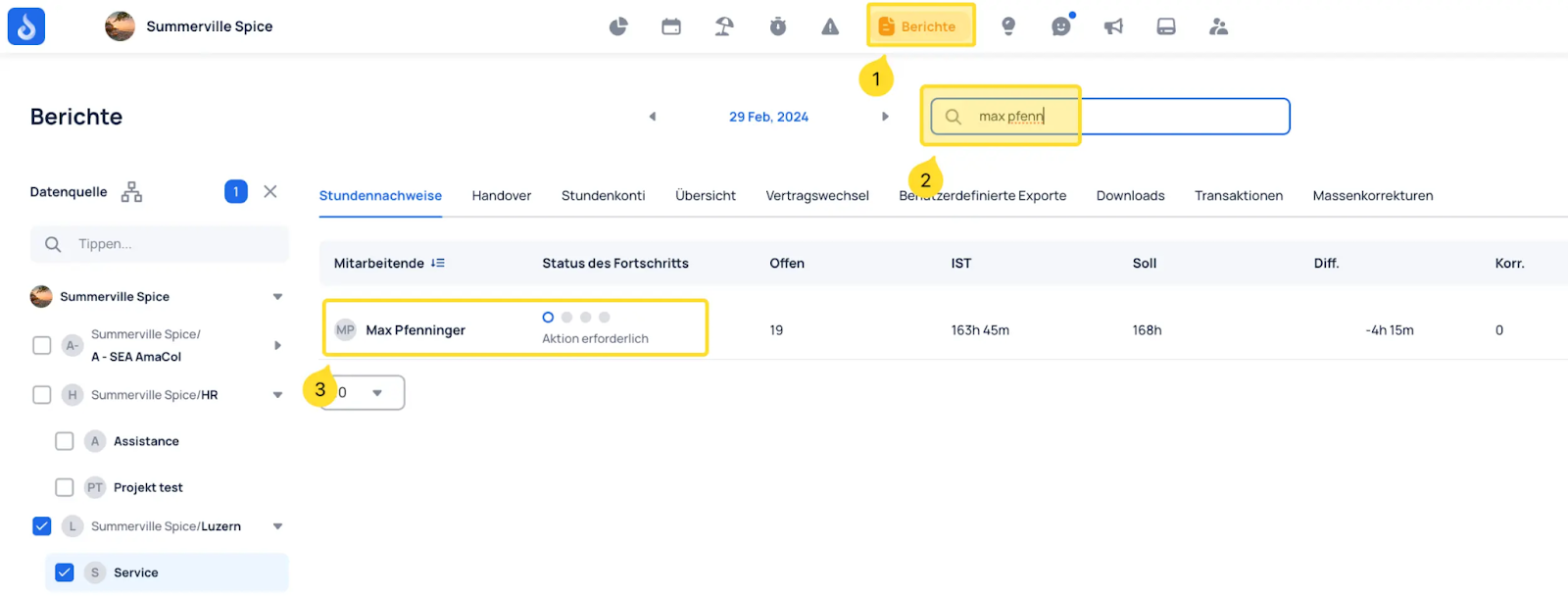
The statuses are as follows:
- All work and absence entries have been reviewed
- The entries have been locked and can no longer be edited. They must be unlocked before changes can be made
- The Time Report has been sent to the employee
- The Time Report has been signed
Once the process is fully completed, the following status appears: