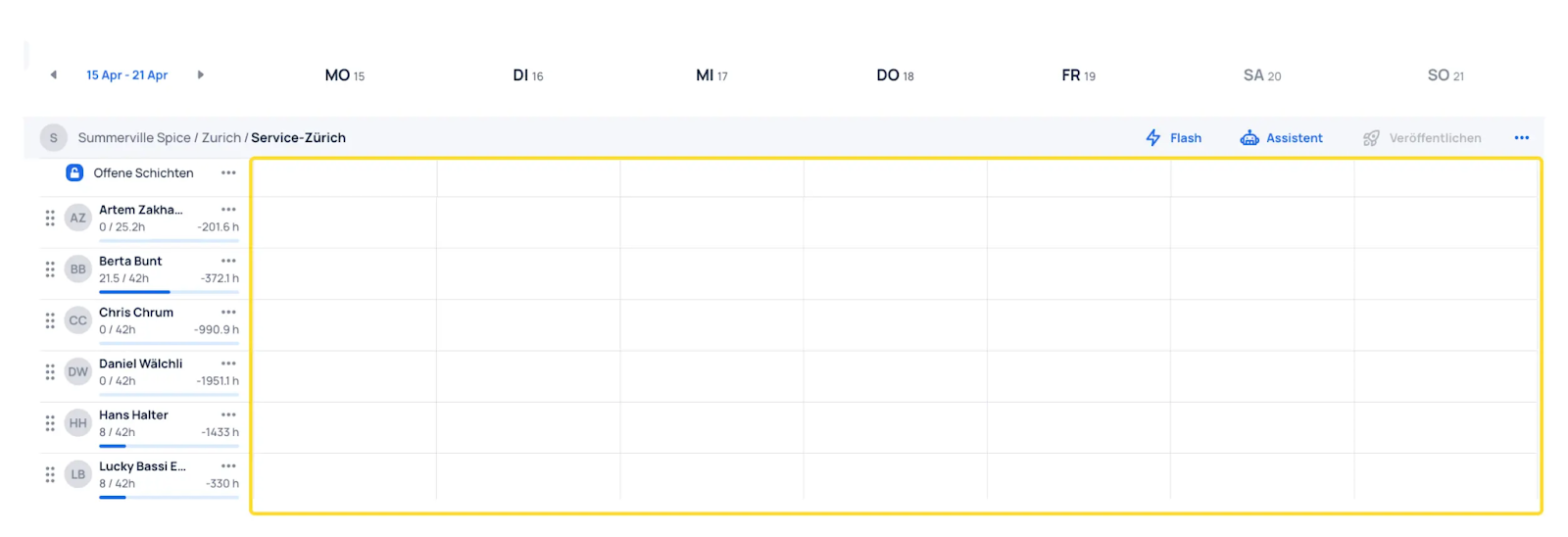
Copy Time Periods
If a planning period (e.g., a weekly plan) is needed for additional future periods, the schedule can be copied to the future period.
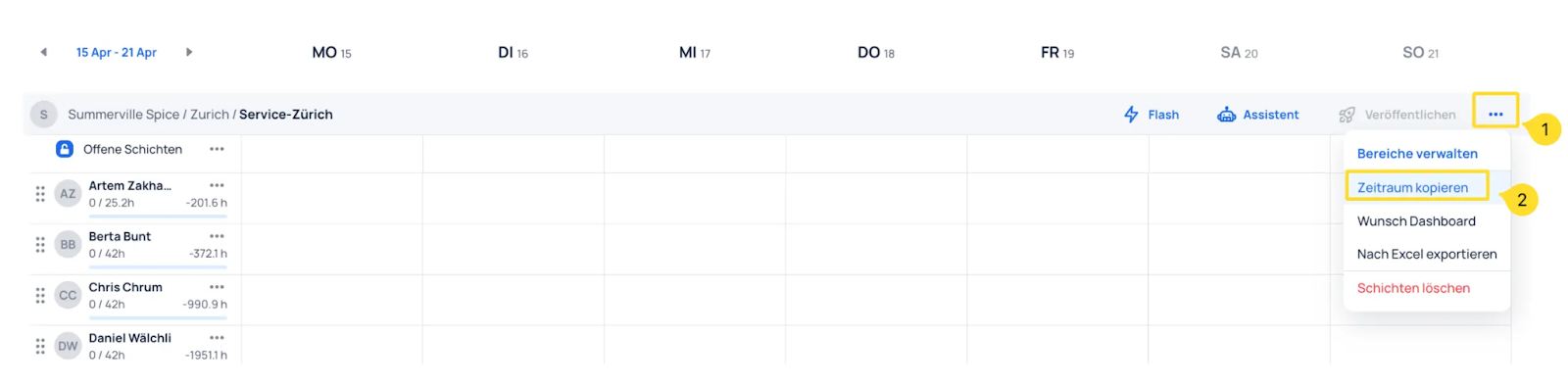
- Select the three dots in the top right
- Click Copy period
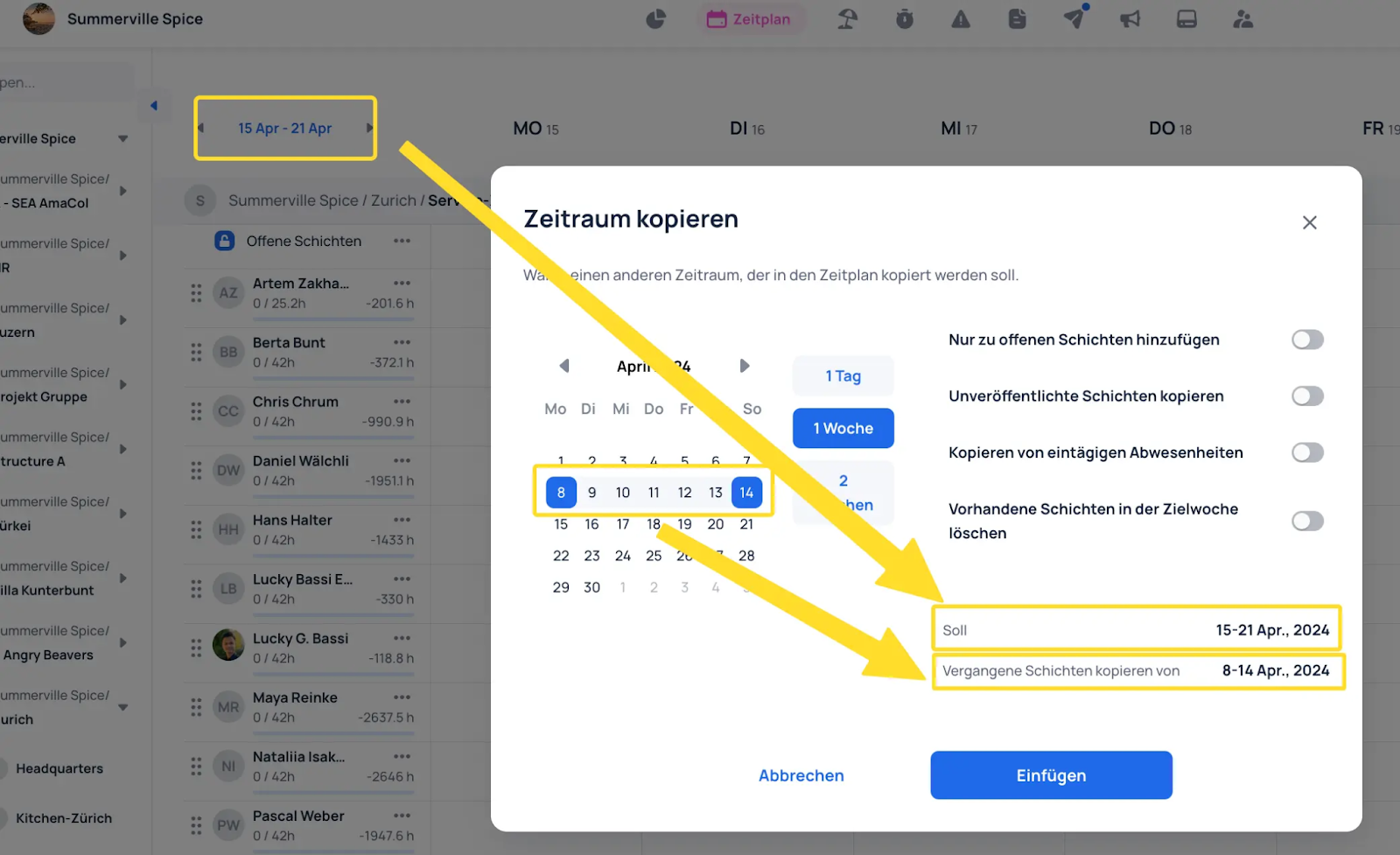
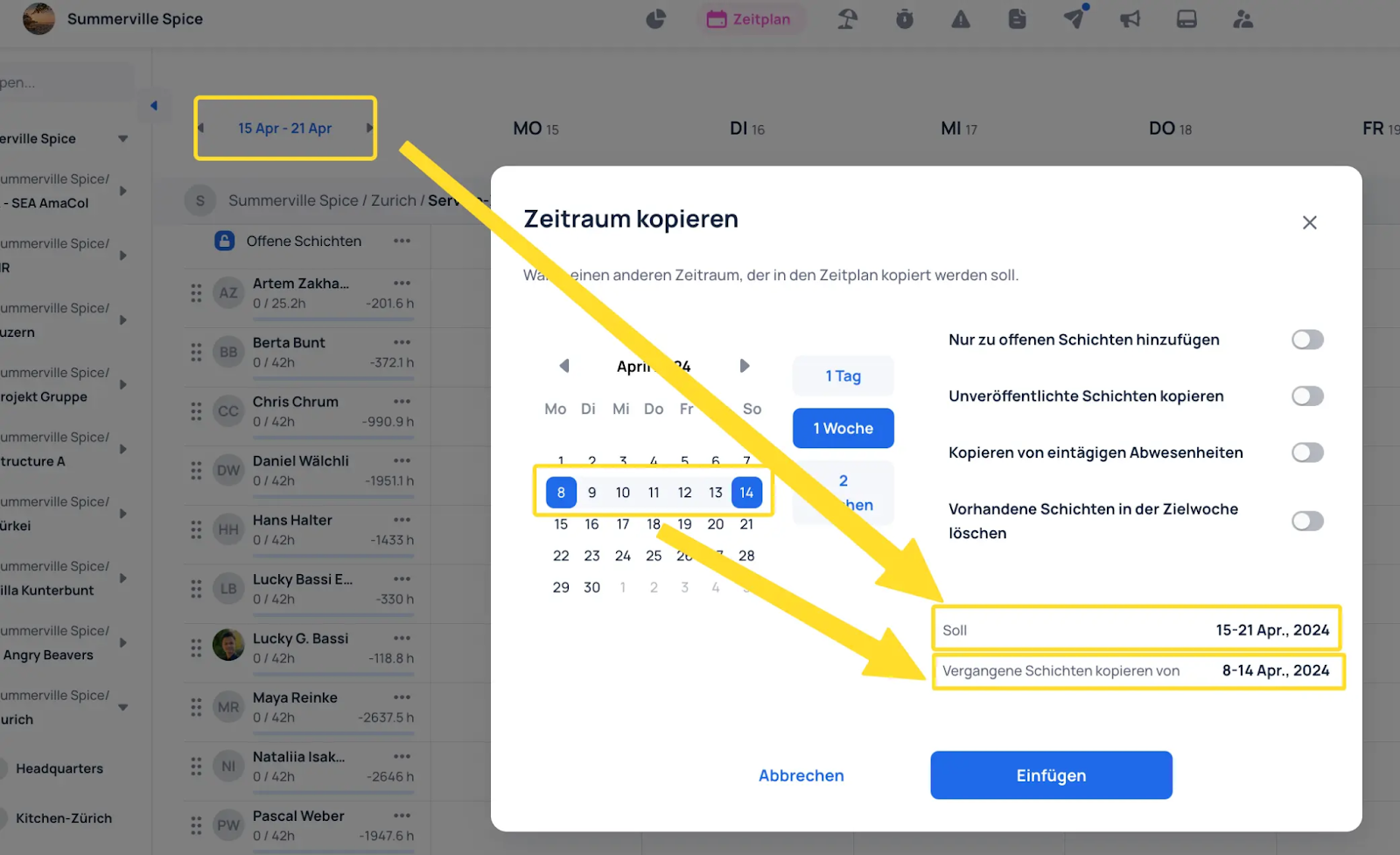
Configure the desired settings to apply to the shift copy.
The "Target" range is the date range selected in the schedule. The "Copy past shifts from" range is the source period to copy from.
The schedule now appears in the desired range.
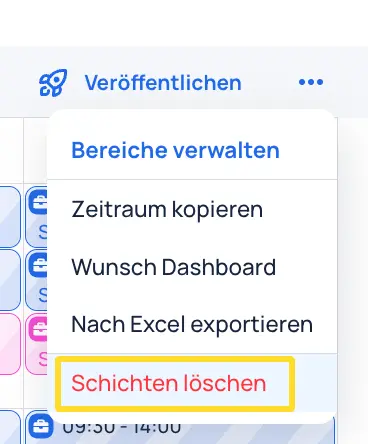
To delete all shifts in the displayed range, select "Delete shifts" using the three dots in the top right.
Select the desired settings and click Delete.
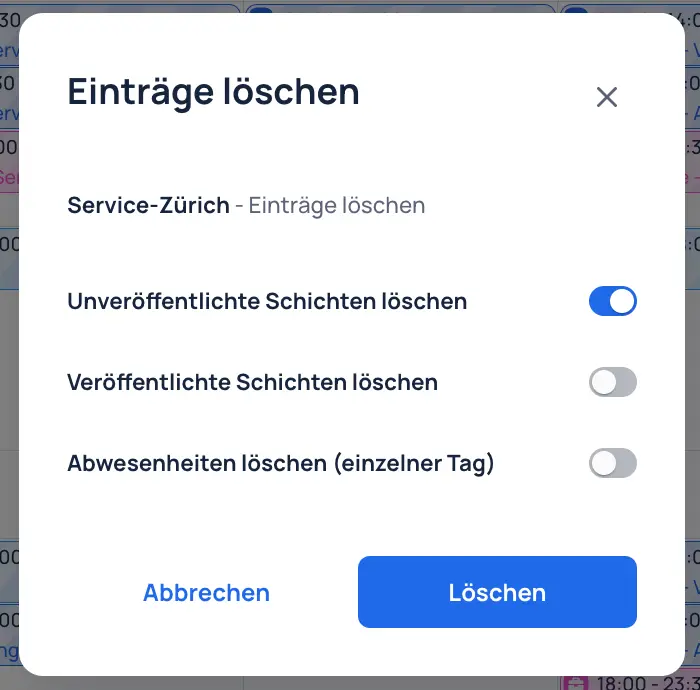
The shifts in the displayed range have now been deleted.