Create a Shift
In JobDone, work shifts for employees can be created in the schedule.
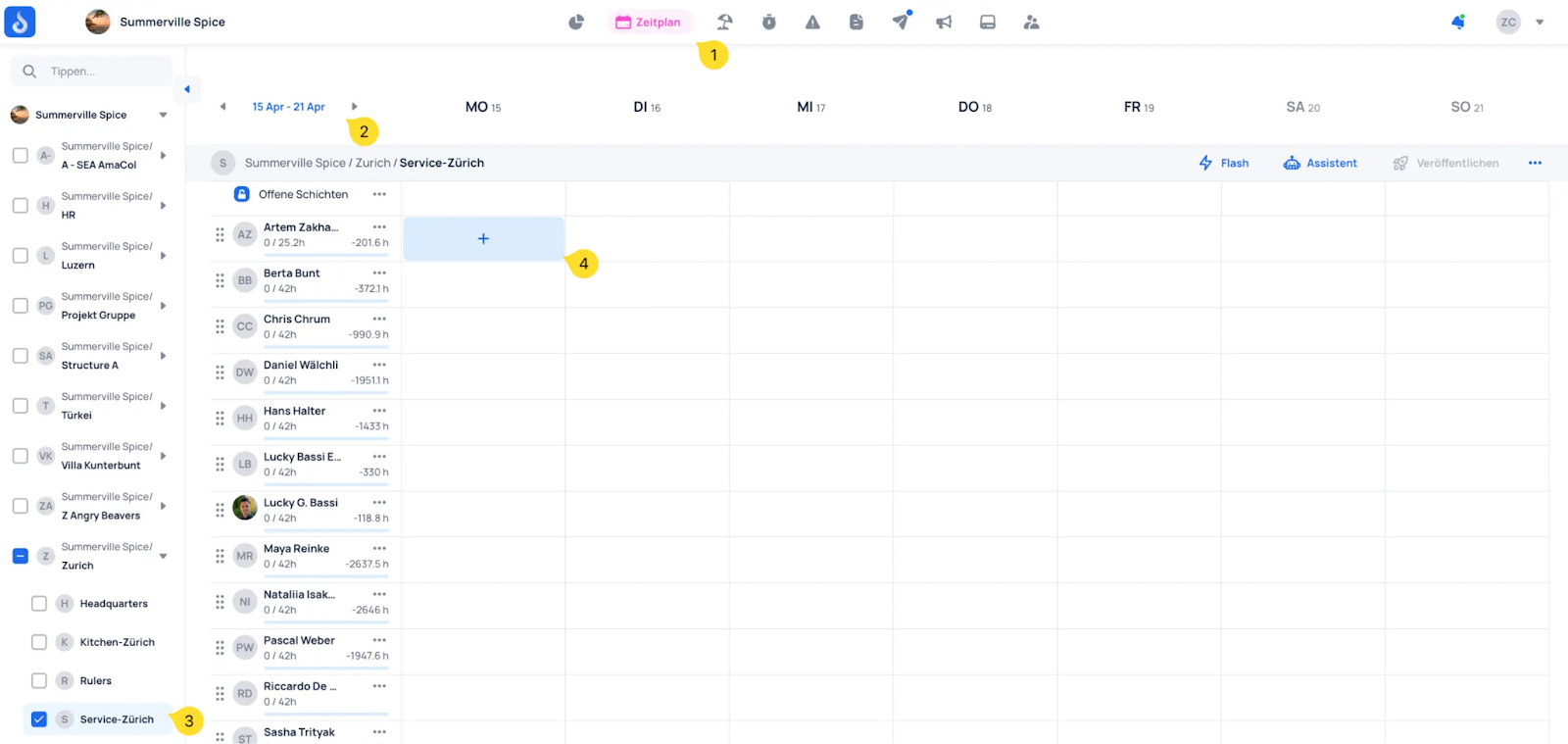
- Open the schedule
- Select the period for which you want to create a schedule
- Select the desired team
- Click on a cell in the shift plan to create a shift
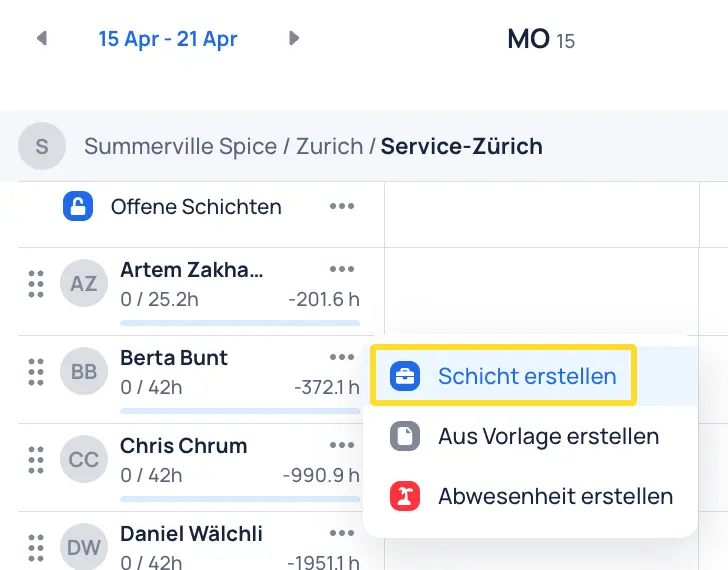
Select Create shift
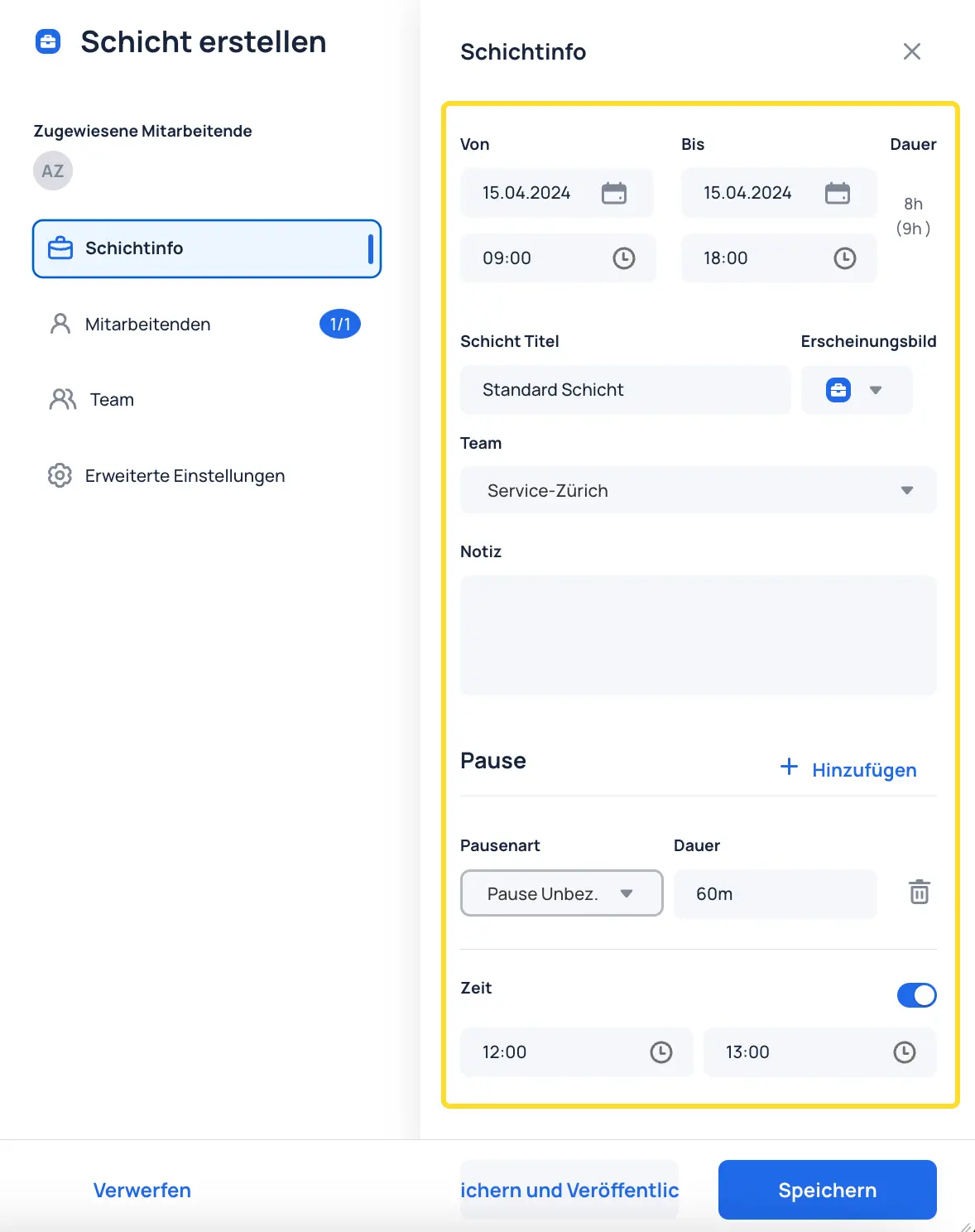
Configure the work shift as desired. A shift title is required to save the shift.
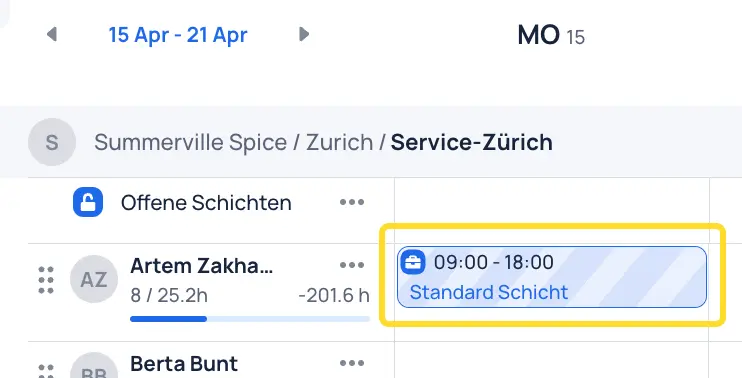
Click Save to create the shift. The shift will appear hatched, meaning it is not yet published and therefore not yet visible to employees.