Notifications
Notifications in JobDone ensure that all relevant people are informed about important events — such as absence requests, approvals, GPS violations, shift changes, and other work-related updates. They help streamline processes, create transparency, and ensure that requests and approvals are handled promptly.
Approval Notifications
The following table shows who gets notified when a specific role submits an absence request, depending on the approval settings configured for the absence type.
| My Role | Absence type setting — Approval by: | ||
|---|---|---|---|
| Manager | Manager & Admin | Admin | |
| Employee | Notified*: - Manager | Notified*: - Manager - Admin | Notified*: - Admin |
| Manager | Notified*: - Manager** | Notified*: - Manager** - Admin | Notified*: - Admin |
| Admin | Notified*: - Manager | Notified*: - Manager - Admin** | Notified*: - Admin** |
* Notifications are sent to the specified role at both the same level and the parent level. Example: When an employee requests an absence, the relevant roles are notified in both the employee's team and the group above it. ** The person requesting the absence does not receive a notification themselves.
GPS Violation Notifications
If the GPS check is enabled in the contract, the system verifies whether employees are at the designated location when they clock in or out.
If a violation is detected, the employee's managers at both the same level and the parent level receive a notification.
Settings
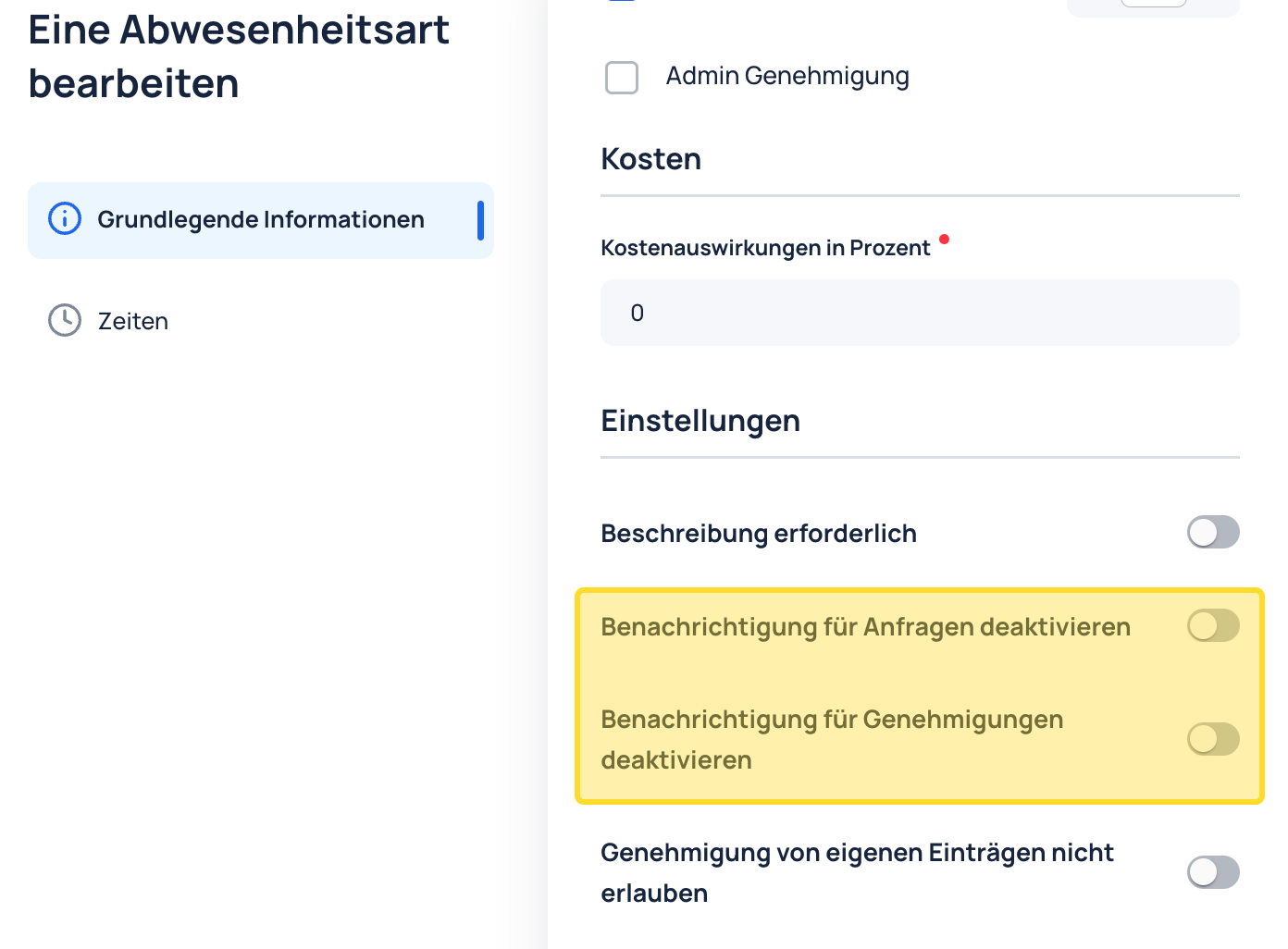
Under Organization → Contracts → Absences, the following settings can be adjusted in the basic information for each absence type:
- Disable request notifications: Choose whether supervisors should receive a notification when an employee submits an absence request.
- Disable approval notifications: Choose whether employees should receive a notification when their absence request is approved.