Dashboard
The Dashboard gives administrators and managers a quick overview of relevant, up-to-date information for the selected team.
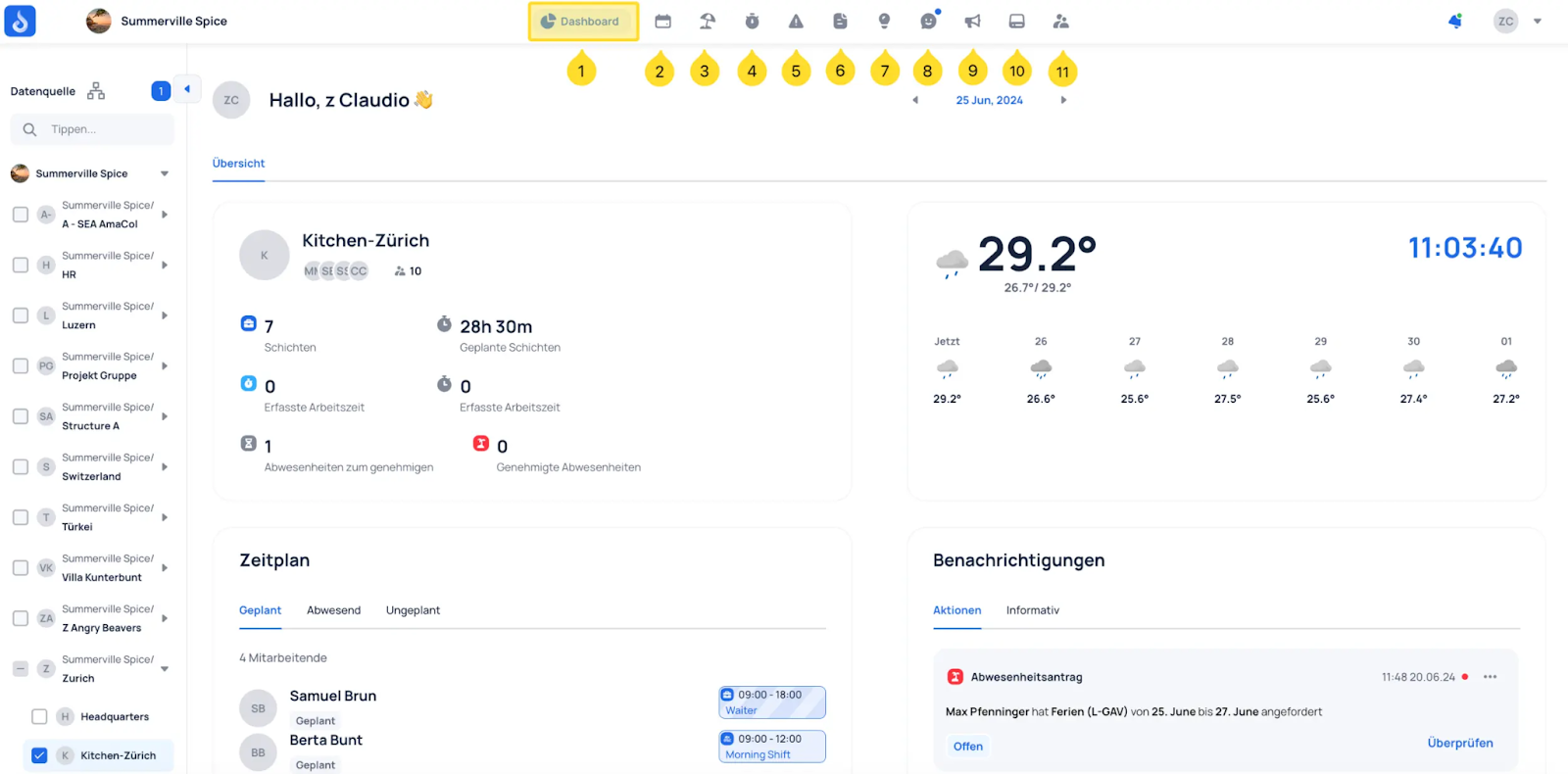
Top left — Shows how many shifts are upcoming, how many working hours have already been recorded, and flags any absences that need approval.
Bottom left — The schedule view displays team members grouped by category: Planned, Absent, and Unplanned.
Top right — Provides a weekly weather forecast for the current location.
Bottom right — Shows incoming notifications, including both actionable items (such as absence request approvals) and informational updates (such as "Schedule has been published").