Time Tracking
In Time Tracking, you can select individual employees or entire teams. A start/stop/break timer lets you directly control the time tracking for the selected employee.
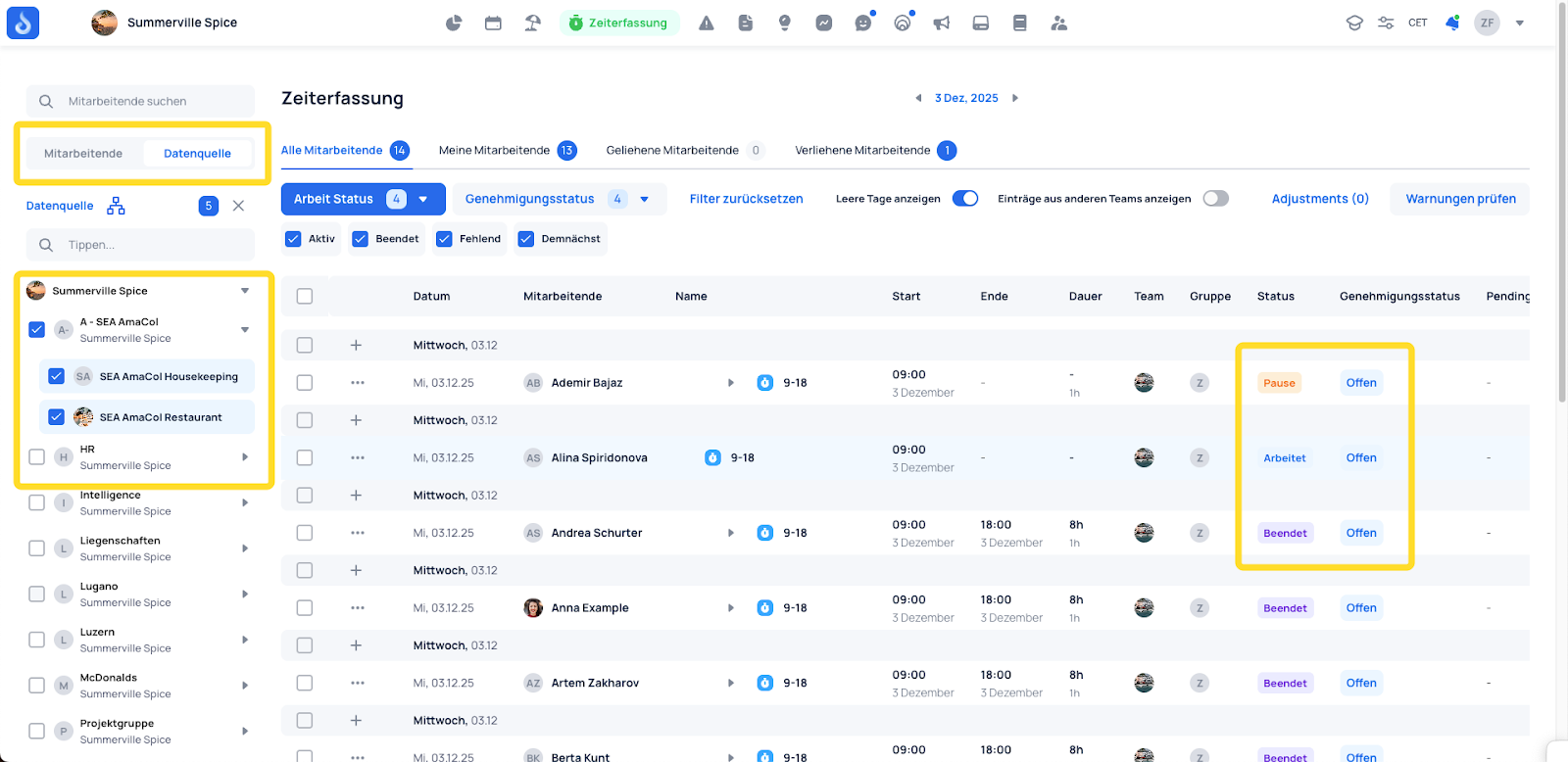
The Time Entries section provides an overview of time entries on a daily, weekly, or custom basis. Here you can create, view, edit, and approve time entries. The overview shows detailed information such as creation date, modification date, approval status, description, "Created by," and "Modified by."
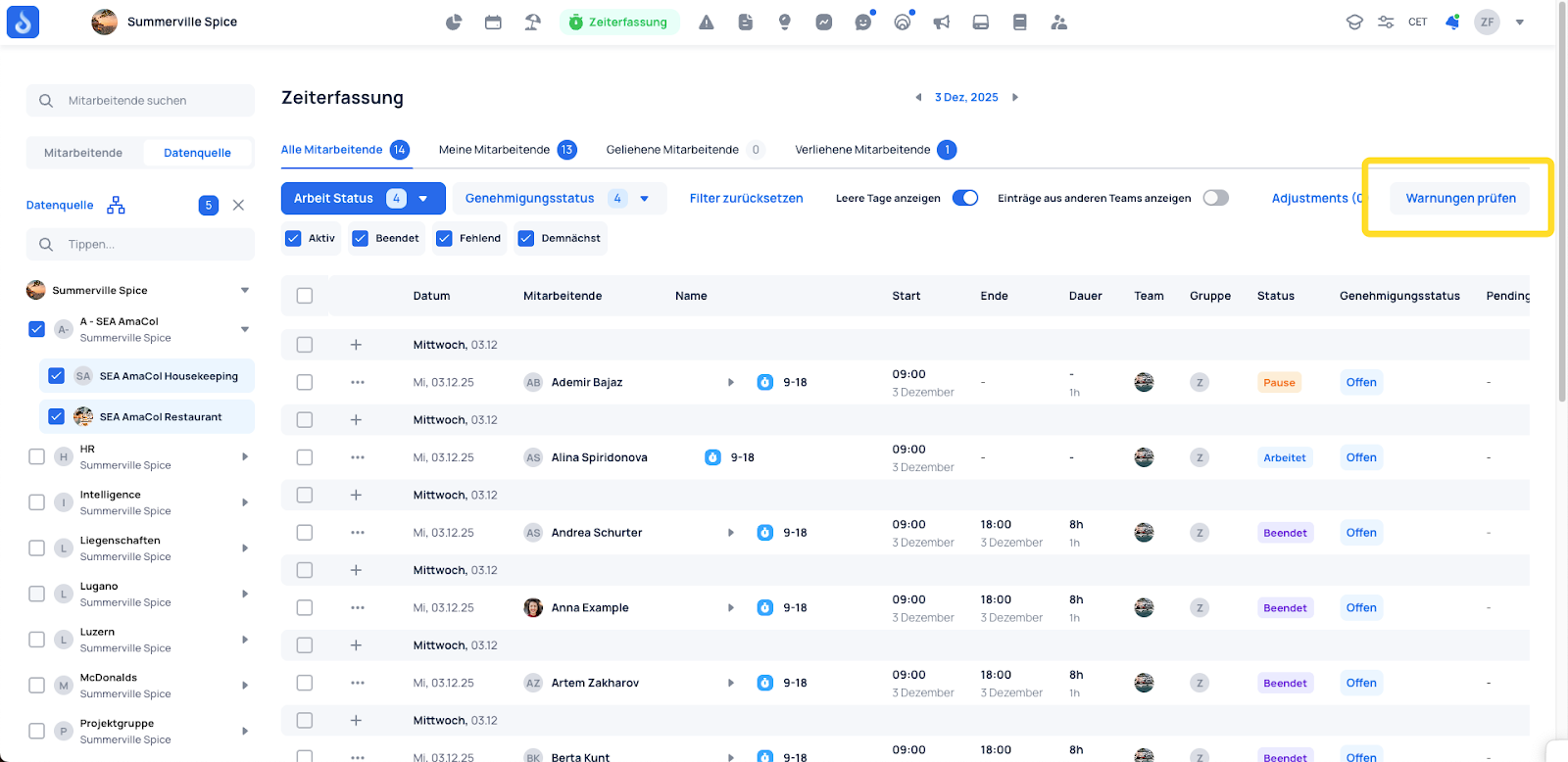
On the right-hand side under "Check Warnings," you can review predefined warnings — for example: rest days not observed, minimum break not met, etc.