Warnings
JobDone offers various warnings to help companies avoid L-GAV violations. Warnings include:
- Shift Warnings
- Work Warnings
- Absence Warnings
- Balance Warnings
These warnings help avoid potential violations such as insufficient rest between work assignments, insufficient breaks, or missing rest days, and ensure that L-GAV requirements are met.
Applying the Warning Check
Warnings can be checked in several ways:
- In the Warnings tab, filtered by cost center.
- When publishing shifts, where only shift warnings or balance warnings are displayed.
- In Time Tracking on the right side by selecting "Check Warnings".
These options enable flexible oversight and ensure compliance with all relevant guidelines.
Shift Warnings
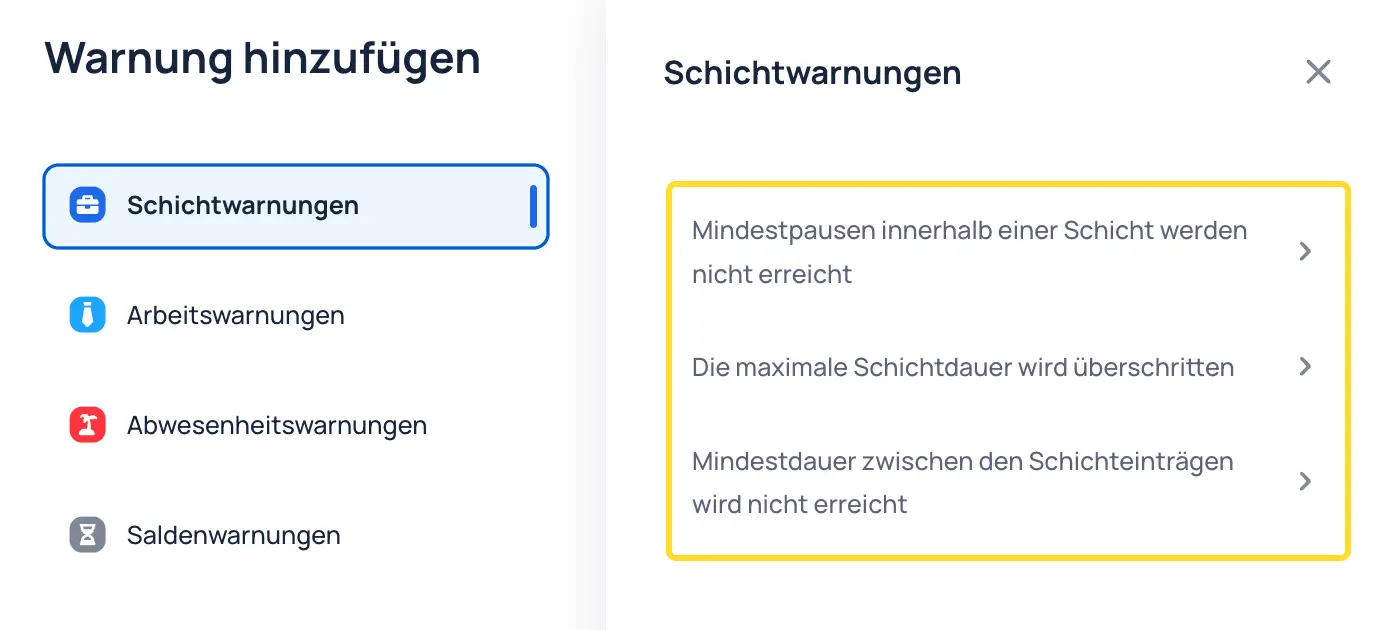
Shift warnings play a crucial role in planning to ensure all L-GAV regulations are followed. They cover the following aspects:
- Minimum breaks within a shift are not met: This warning appears when the planned breaks within a shift are shorter than the defined rest periods.
- The maximum shift duration is exceeded: When a shift is planned longer than the permitted maximum working time, the system triggers a warning.
- Minimum rest time between shift entries is not met: This warning indicates that the rest time between two shifts is insufficient to ensure the defined recovery periods.
Work Warnings
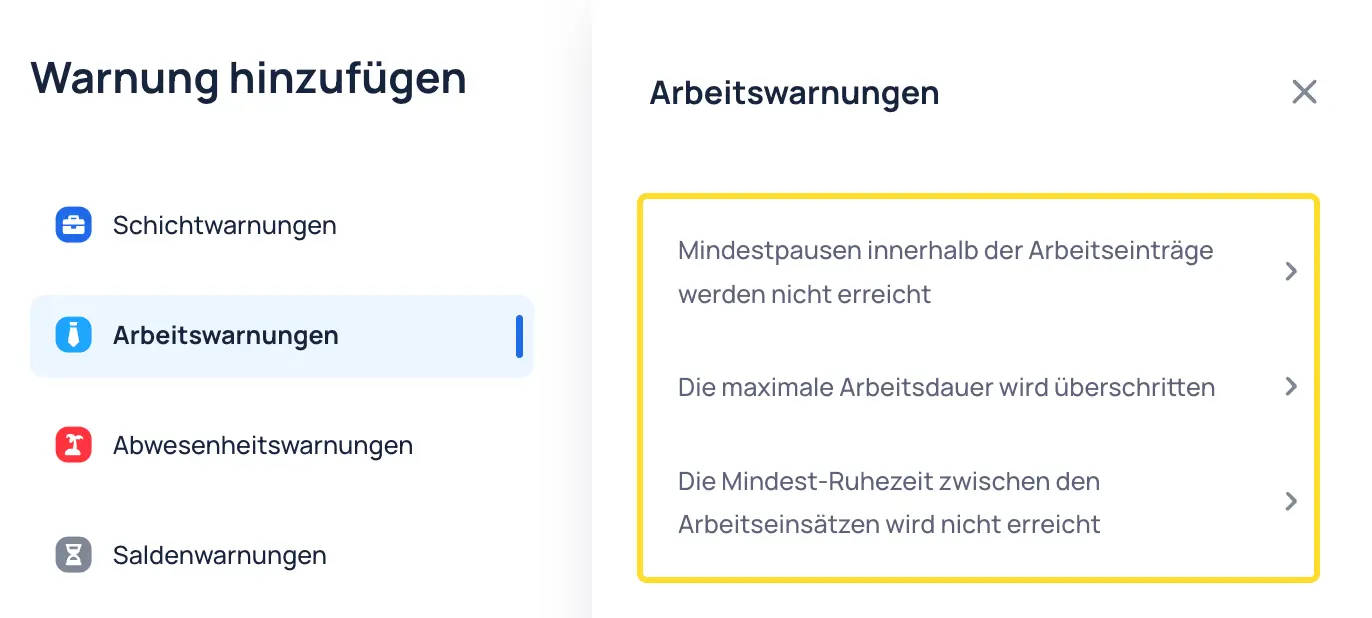
Work warnings after Time Tracking help identify and avoid potential L-GAV violations. They cover the following points:
- Minimum breaks within work entries are not met: This warning appears when the recorded breaks during working hours are shorter than the defined rest periods.
- The maximum working time is exceeded: When the recorded working time exceeds the permitted maximum, a warning is triggered.
- The minimum rest period between work assignments is not met: This warning indicates that the required rest period between two work assignments was not observed.
Absence Warnings
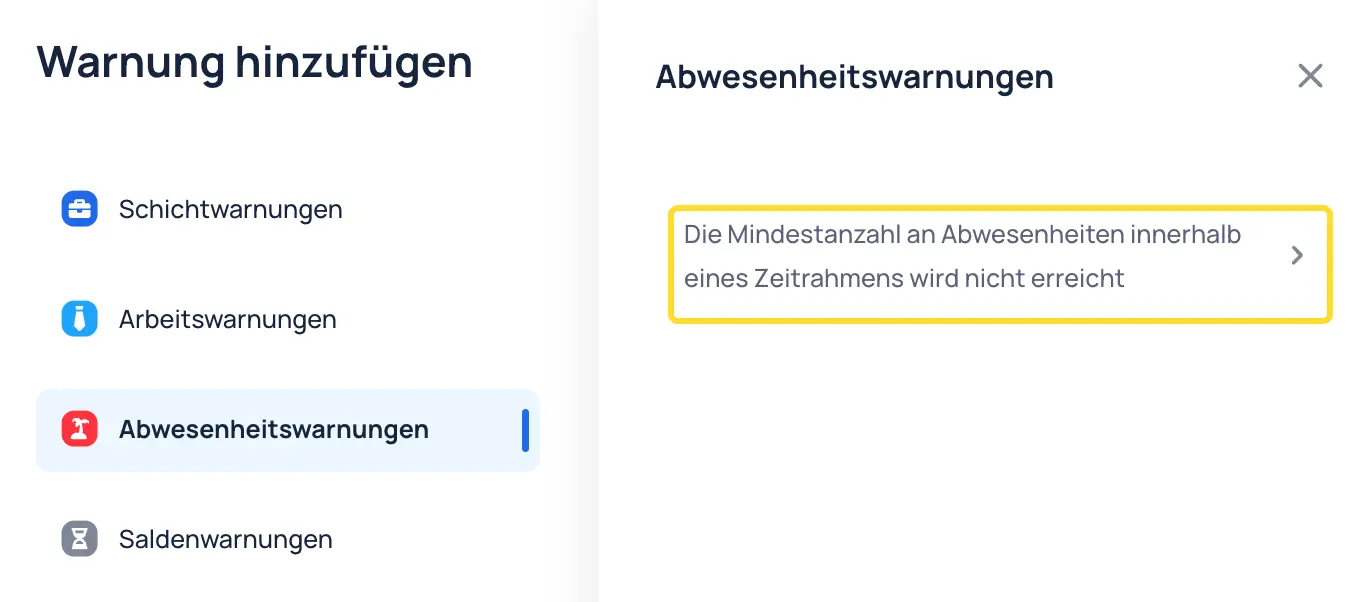
Absence warnings ensure that the necessary rest periods and days off are observed. They include the following warning:
- The defined number of absences, such as rest days or public holidays, is not met: This warning appears when the required number of rest days, public holidays, or other defined absences per week or month has not been taken, which could lead to a violation of L-GAV requirements.
Balance Warnings
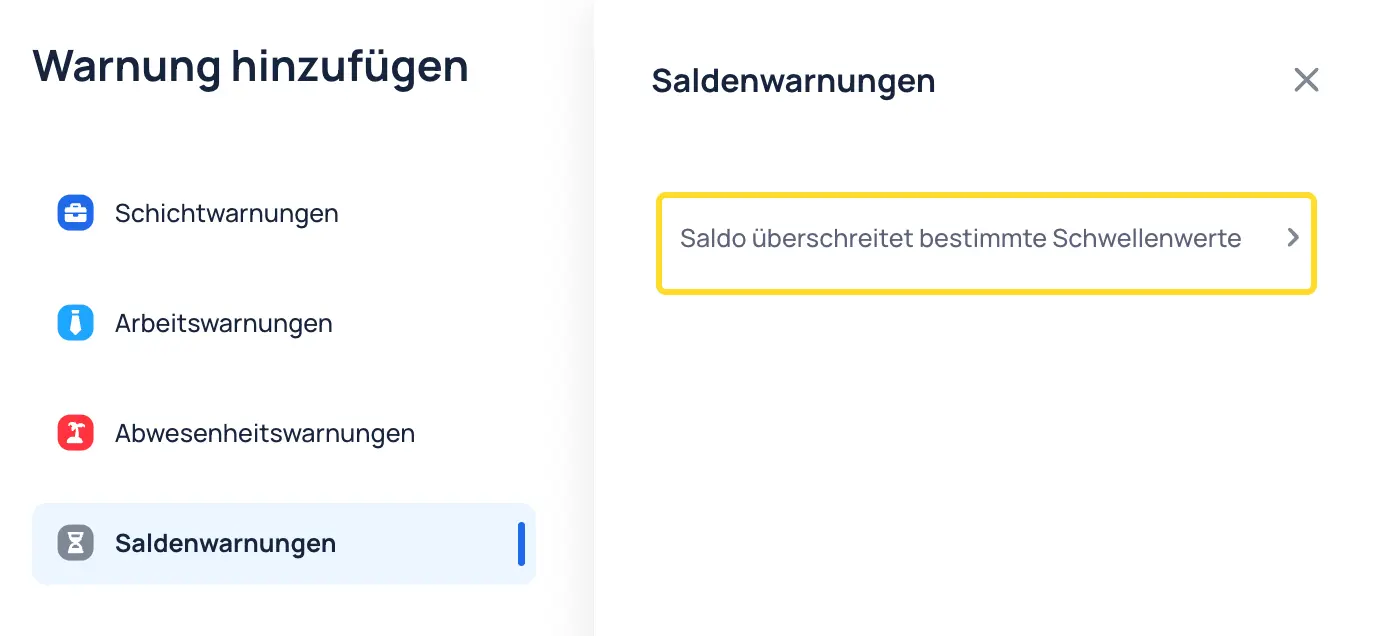
Balance warnings monitor working time or absence balances to ensure critical thresholds are not exceeded. They include the following warning:
- Balance exceeds defined thresholds: This warning appears when the working time balance — such as overtime or vacation days — exceeds the defined upper or lower limits. This may indicate excessive accumulated overtime or unused vacation.