Structure
In this area, the locations and departments of the organization are organized into groups, subgroups, and teams. Define and configure the hierarchy and structure to ensure a clear and efficient organizational setup.
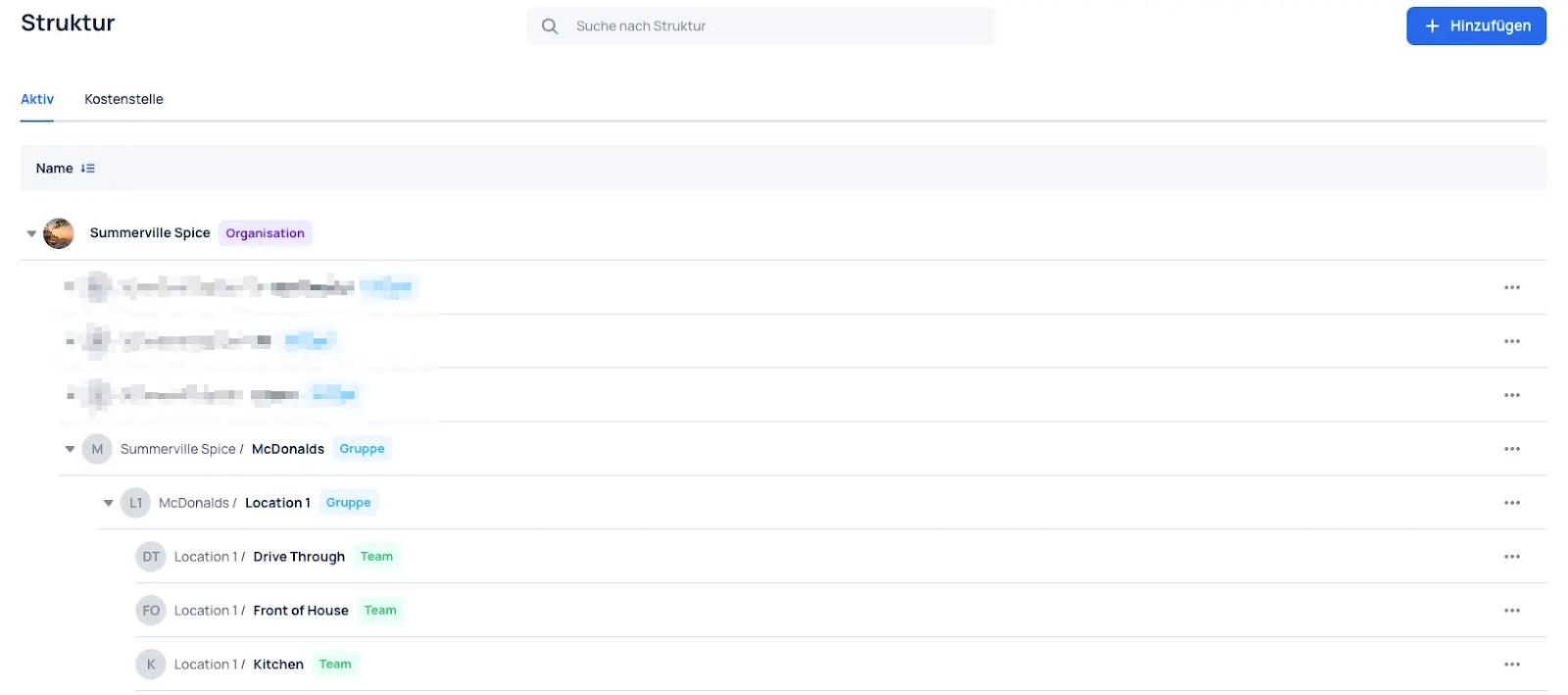
The organization is the highest element of the structure tree.
Groups
Groups can be used to represent different locations or restaurants within the organization. Each group represents a distinct area that can include multiple subgroups and teams.
Subgroups
Subgroups add another layer of detail to the organizational structure. They are used to divide larger groups into specialized areas for a better overview and more efficient management.
Examples could include specific departments within a location or restaurant.
Teams
Teams represent the lowest element of the structure tree. They represent independent work groups that fulfill specific tasks or functions within the organization.
Examples of teams in the hospitality industry could be Kitchen, Bar, or Service. In an office setting, examples would be Administration, Accounting, or Back Office.
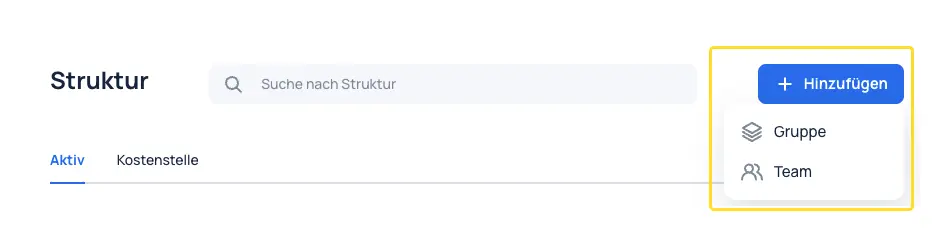
Create Teams / Groups
A team or (sub)group can be created in the top right.
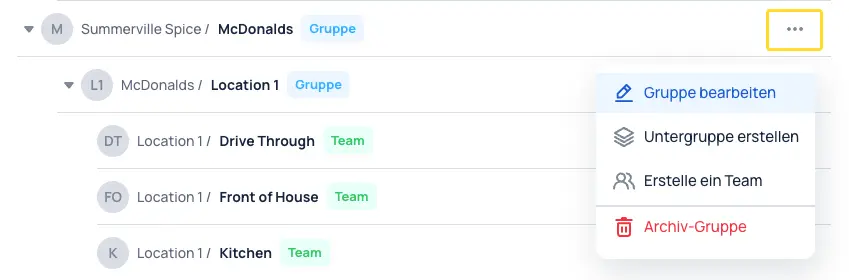
Edit / Archive Teams & Groups
Existing teams or (sub)groups can be edited and archived using the three-dot menu on the right.
note!
Before archiving, it is recommended to add the prefix "archived - Name" to the team or group name.
Settings and Information
The following settings and information can be configured for groups and teams. Differences in settings between groups and teams are explained below.
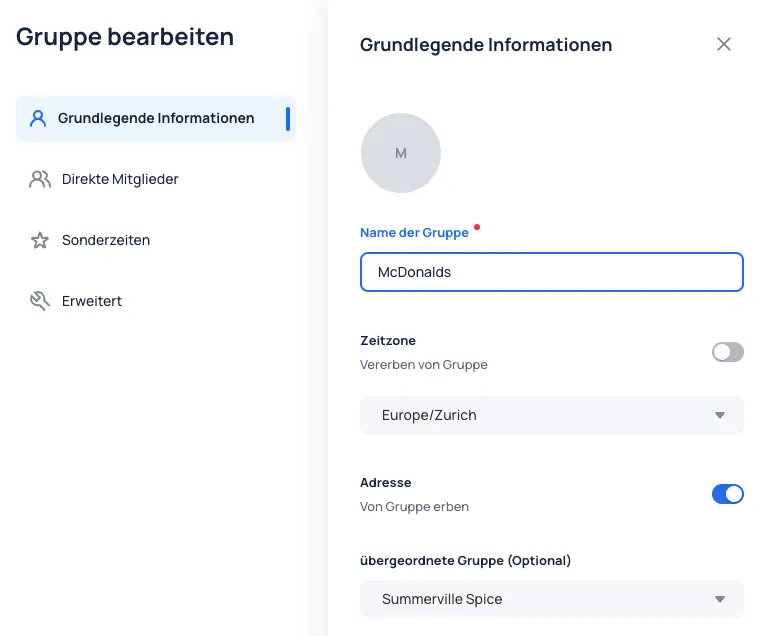
Basic Information
When creating a group or team, a name must be assigned. Additional settings regarding the time zone, address, and the placement of the group or team within the structure are maintained here.
Direct Members
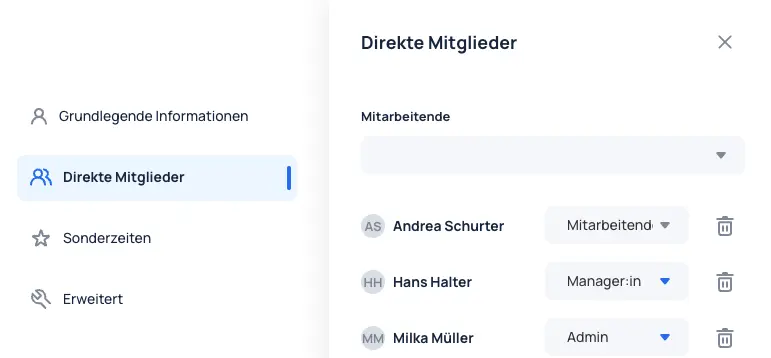
Through memberships, employees can be assigned to groups or teams.
The employee's role within the membership must be specified: Employee, Admin, or Manager.
Employees assigned to teams are displayed in those teams in the schedule.
note!
Further information about roles and permissions can be found in chapter =="Roles and permissions"
Special Times
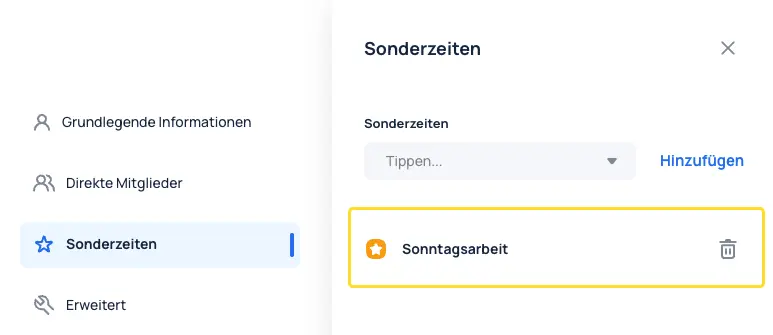
In JobDone, special times can be configured to calculate surcharges for Sunday or night work. These special times must be assigned to the corresponding groups or teams in the structure to which the surcharge should apply.
It is important to note that special times are inherited: if a special time is assigned to a parent group, it automatically applies to all subgroups and teams below it.
note!
Further information can be found in the "Structure" chapter.
Advanced
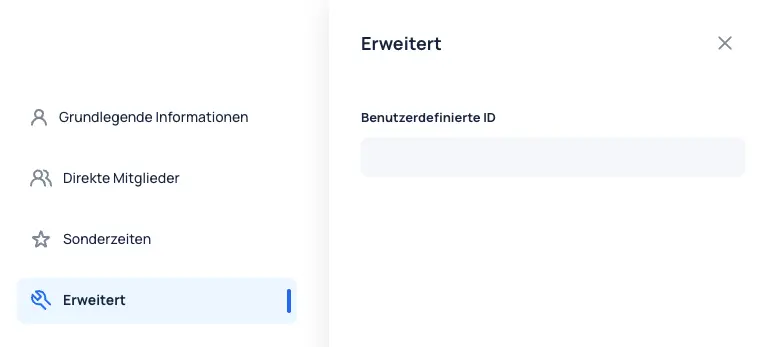
Custom IDs can be assigned to teams and groups. These serve for customer-specific requirements regarding exports.
note!
For more information about custom IDs, please contact JobDone Support.