Roles and Permissions
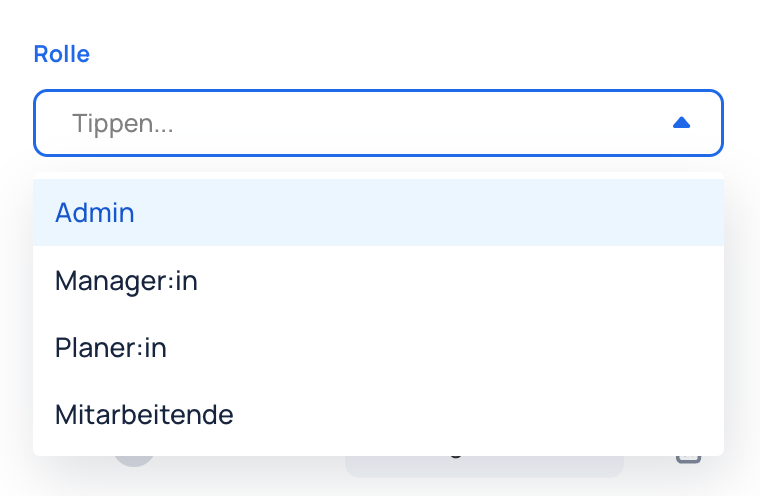
In JobDone, different roles and permissions can be assigned to ensure a clear distribution of responsibilities. In addition to Global Admin roles, which have full access, employees can be assigned the following roles:
- Manager
- Admin
- Planner
- Employee
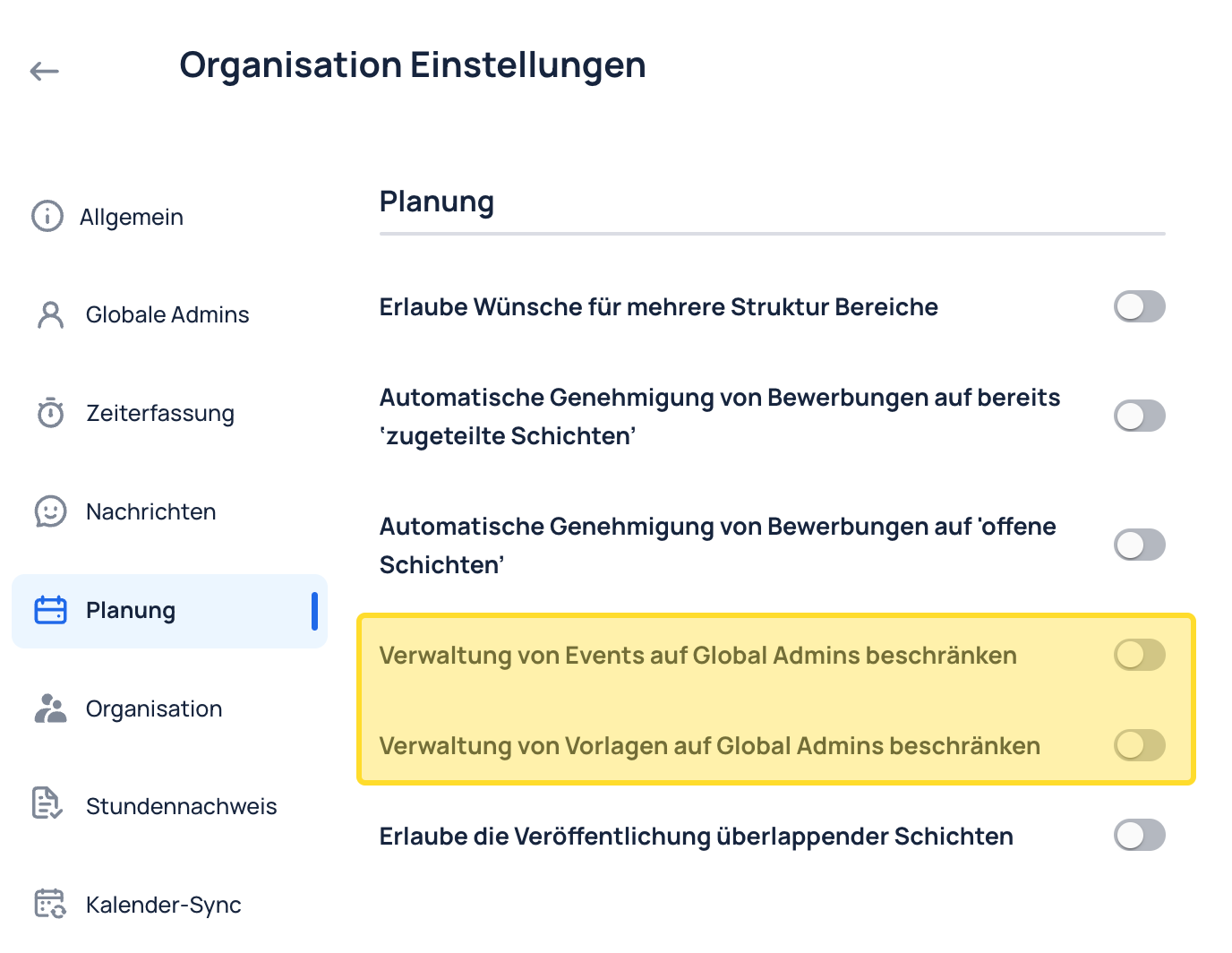
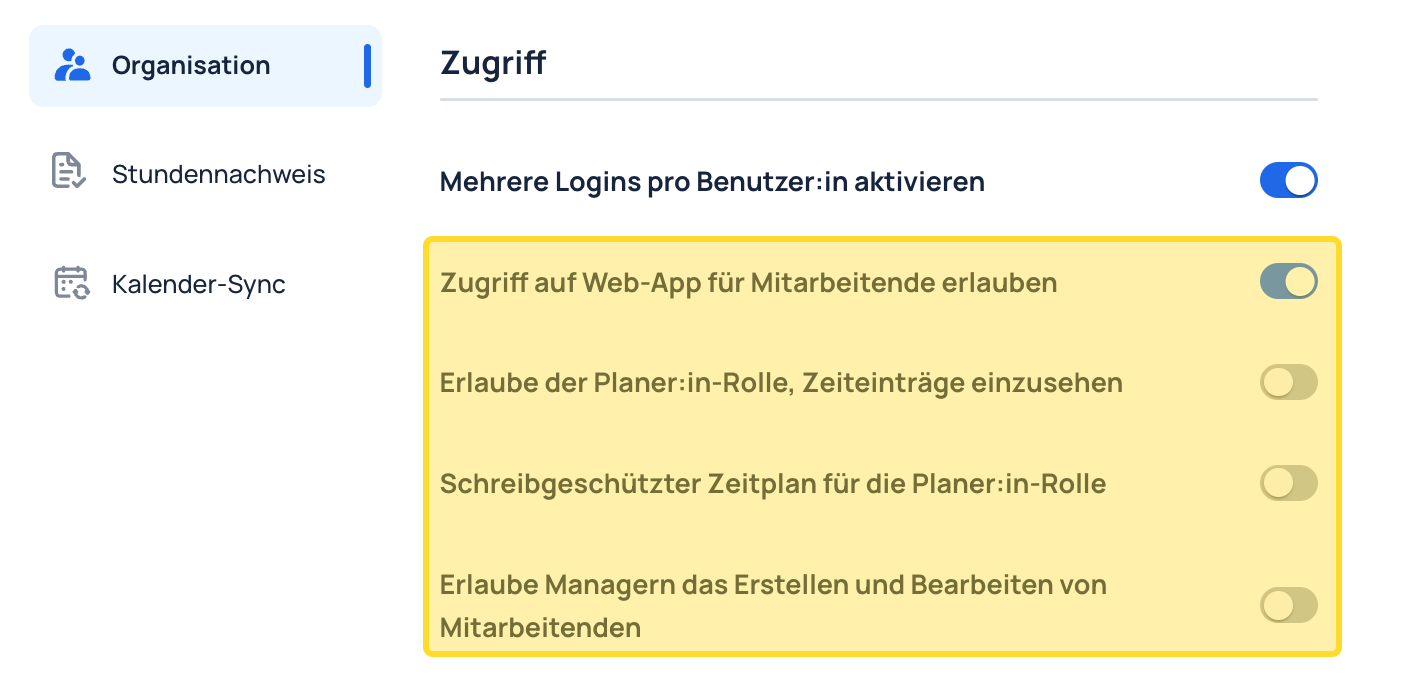
These roles are limited to the assigned groups and teams. Changes to permissions are made in the organization settings.
Roles and Their Permissions
Manager
Managers are responsible for managing groups and teams — including shift planning, approvals, and month-end closing processes. This role is typically assigned to team leads.
Web access:
- Read access: Access to all features within assigned groups/teams, except organization settings and warnings.
- Edit access: Can modify events under Organization.
Admin
Admins have extended rights beyond the Manager role for managing teams and employees. This role is typically assigned to group leads.
Web access:
- Read access: Access to all features within assigned groups/teams, except organization settings.
- Edit access: Can create and edit employees and events under Organization.
Planner
Planners are exclusively responsible for shift planning.
Web access:
- Access to Schedule, Time Tracking (own entries only), and Messages (own messages only).
Employee
Employees primarily use the mobile app for time tracking and communication.
Web access:
- No access to the web environment.
Permissions Matrix
Feature | Manager | Admin | Planner | Employee |
Employee Management | Read access | Full access | No access | No access |
Shift Planning | Full access | Full access | Full access (without approval) | No access |
Approvals | Manager approval | Manager & Admin approval | No approvals | No access |
Web Access | Full access (excl. warnings) | Full access | Schedule only | No access |
Lock | Yes | Yes | No access | No access |
Unlock | No | Yes | No access | No access |
Request Signature | No | Yes | No access | No access |
Sign Offline | No | Yes | No access | No access |
Send Signature Reminder | Yes | Yes | No access | No access |
Approvals
Approvals are central to the JobDone workflow:
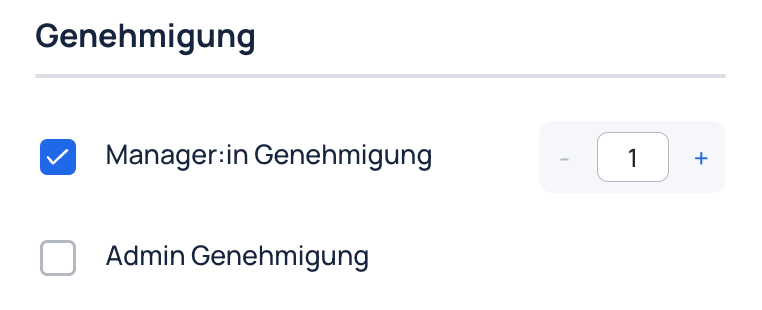
Manager approval: Time entries and absences require manager approval by default.
Optional Admin Approval
Additional approval steps can be configured under Organization → Contracts.
Example: A manager approves the hours, and an admin reviews them for final sign-off.
Role and Permission Settings
Global Admins can customize permissions individually via the organization settings.