Breaks
Various breaks can be created in this area. By default, the break is configured as unpaid. Additional breaks can be created via Add Break in the top right.
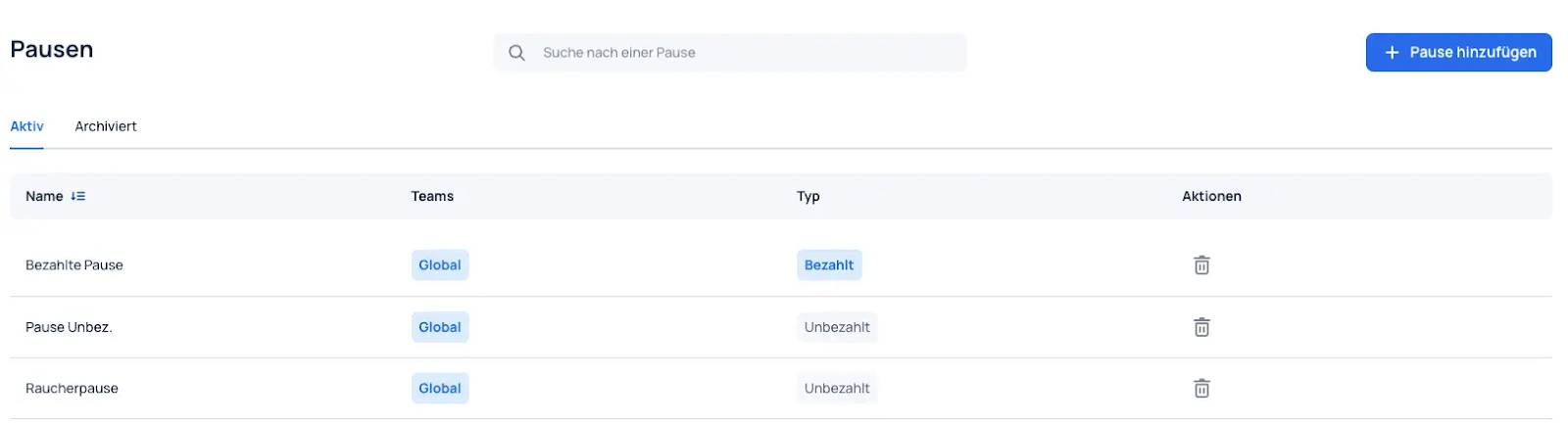
Add Break
Basic Information
When adding a new break, you can set its name and description and select a break type (paid/unpaid). For paid breaks, break time is counted as working time.
Assigned Teams
This determines whether the break can be used globally across the entire organization or is only available for specific teams.
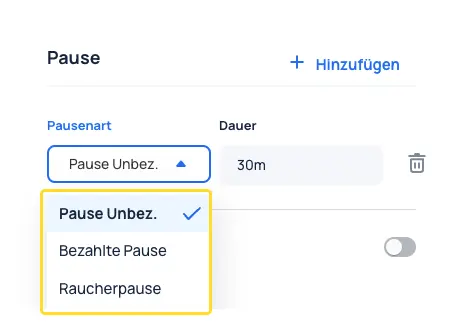
Schedule
The created breaks are available in the shift settings.