Contracts
In JobDone, contracts are used to manage and define the working conditions for each employee in detail. They form the basis for organizing working hours, breaks, absences, overtime, and other labor law aspects. Contracts are necessary to ensure that all employees have their individual working time specifications and that the company complies with applicable labor regulations.
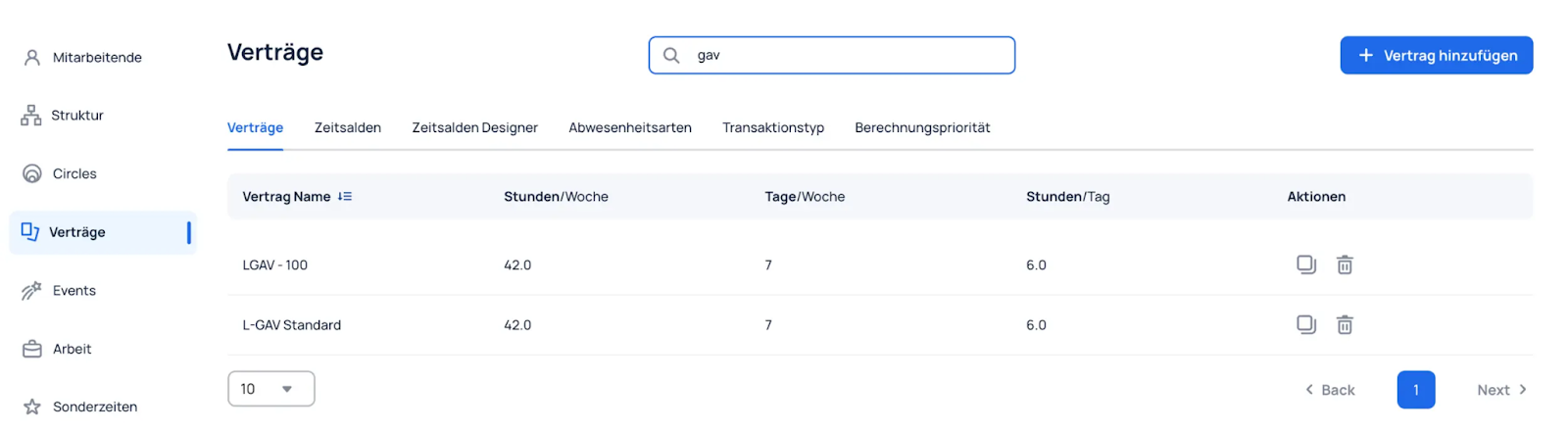
The following properties are defined in the contracts:
- Basic Information: Defines the basic work parameters, such as working hours per week and the type of employment contract (e.g., hourly wage or standard contract), as well as overtime settings.
- Time Tracking: Defines the methods for recording working hours, e.g., whether time is tracked manually or automatically. Break times and the approval of recorded times by supervisors or administrators are also configured here.
- Time Accounts: Defines the time accounts assigned to this contract and the corresponding quotas, such as vacation days or rest days.
- Actual Working Time: Defines how absences affect the actual working time: increasing, decreasing, or no effect.
- Target Working Time: Defines how absences affect the planned target working time: increasing, decreasing, or no effect.
- Overtime: Defines how absences affect overtime: increasing, decreasing, or no effect.
- Advanced: Defines a custom field or the exclusion of special times.
Break tracking
Under Organization → Contracts → Time Tracking → Break Tracking, you define which breaks employees can select while tracking their time.
| Setting | Effect |
|---|---|
| Do not track breaks | The break button is hidden. Breaks cannot be started from the active time tracker. |
| Track breaks | Employees can select either a scheduled break from the selected shift or an available break type. |
| Track break types only | Only break types available to the organization or team can be selected. Scheduled shift breaks are not offered for selection. |
| Track shift breaks only | When tracking time with a shift, only breaks scheduled in that shift can be selected. Additional break types are not available in this case. The fallback for work without a shift is described below. |
Break types and shift breaks
A break type is a general break category, such as “Unpaid break” or “Paid break.” Break types can be available to the entire organization or only to selected teams. For more information about their configuration, see Breaks.
A shift break is a specific break scheduled within a shift. It has a break type and may also have a planned duration or time period.
When a shift break is started, the recorded break is linked to the scheduled break. However, the break still runs from the manual start until the manual stop. The planned duration does not stop break tracking automatically.
Whether a break is paid or unpaid is determined by the break type, not by the contract setting.
When working without a shift, there is no scheduled shift break to select. JobDone therefore offers the available break types as a fallback, even when Track shift breaks only is selected. If employees regularly work without a shift, Track breaks or Track break types only are generally the clearer settings.
Average absence duration
For the four average methods for all-day absences, their formulas and an example at the start of a contract, see Absence duration from average working hours.