Rules
In this area, rules can be defined that affect planning and Time Tracking.
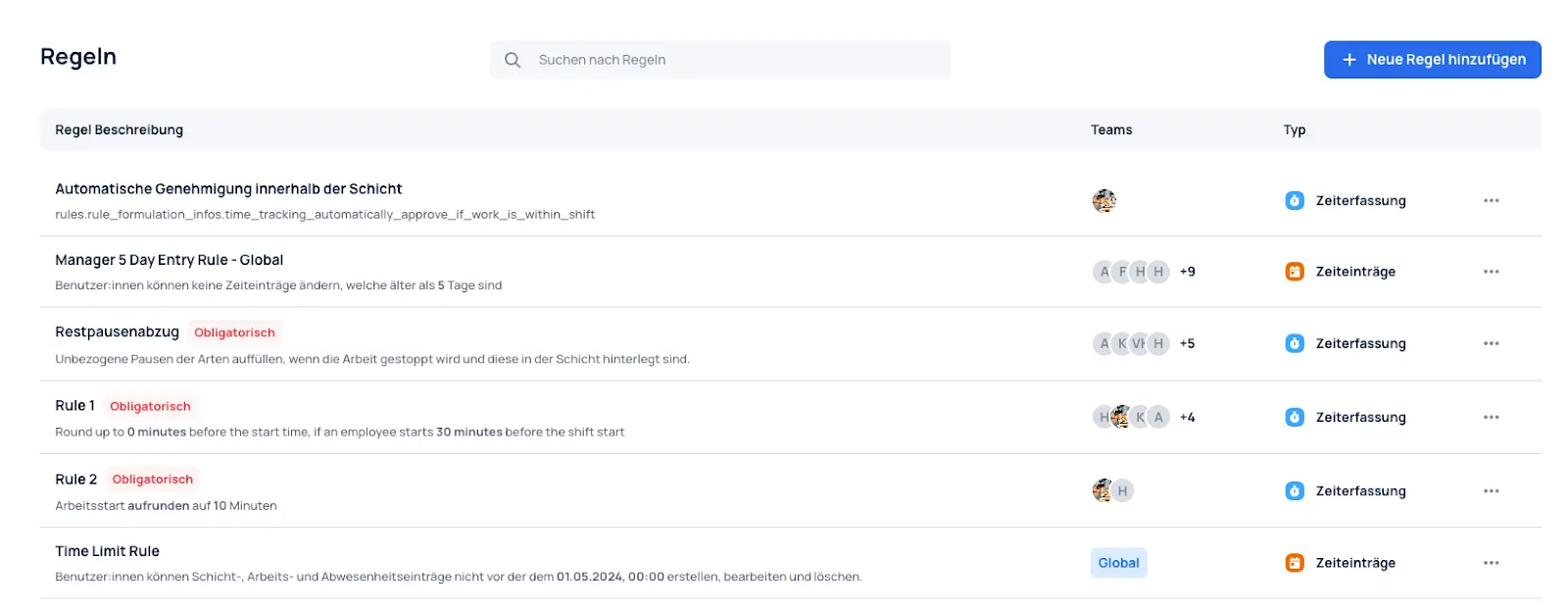
New rules can be added in the top right.
Rounding Rules
Rounding rules allow working times to be rounded up or down using defined rules.
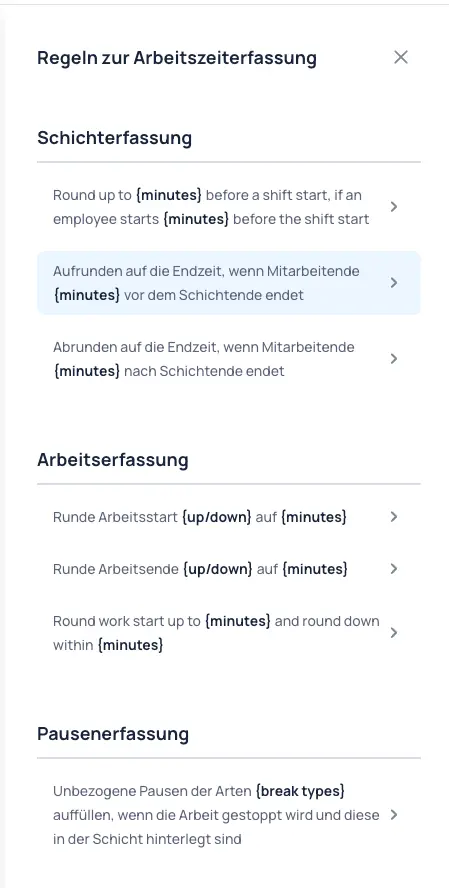
The rules can then be assigned to the corresponding groups or teams, or defined as a global rule.
Shift Recording
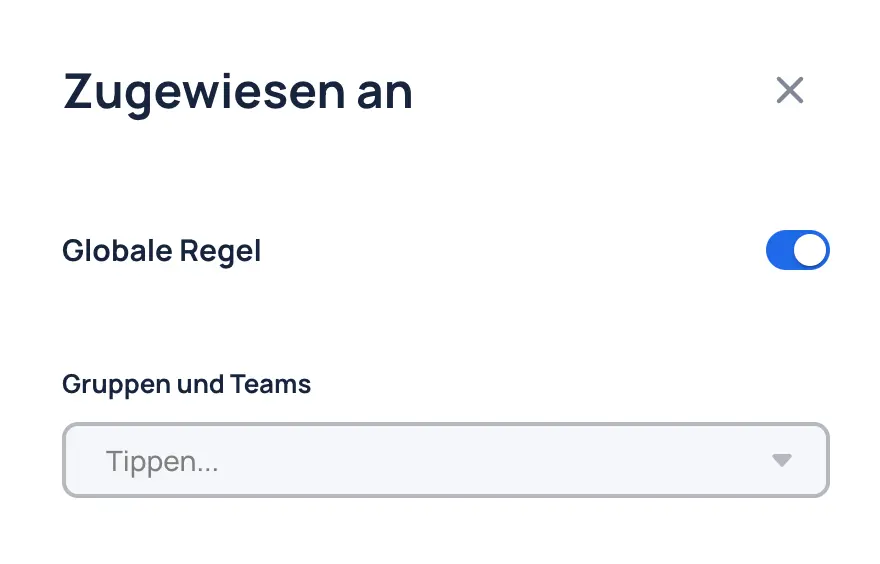
Shift recording rules allow working times to be meaningfully rounded up or down based on shifts, aligning actual working time with planned shift times.
Example: Round up to {minutes} before the shift start if employees start {minutes} before the shift begins.
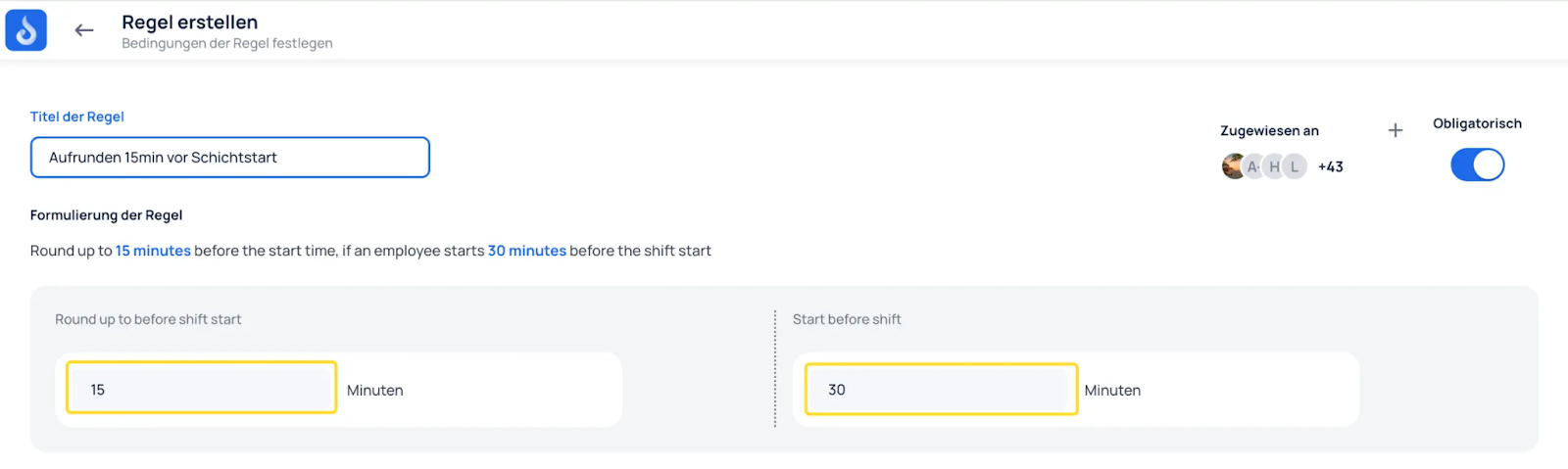
Example:
- Official shift start: 9:00 AM
- The employee starts working at 8:30 AM.
- Since the employee starts 30 minutes before the shift begins, the working time is adjusted so that the start is rounded up to 8:45 AM (15 minutes before the shift start).
This ensures that working times are not recorded too far ahead of the shift, while small deviations within a given range (in this case 30 minutes) are taken into account and adjusted.
Work Recording
Work recording rules allow working times to be rounded up or down.
Example: Round the work start up to {minutes} minutes, and round down within {minutes} minutes.
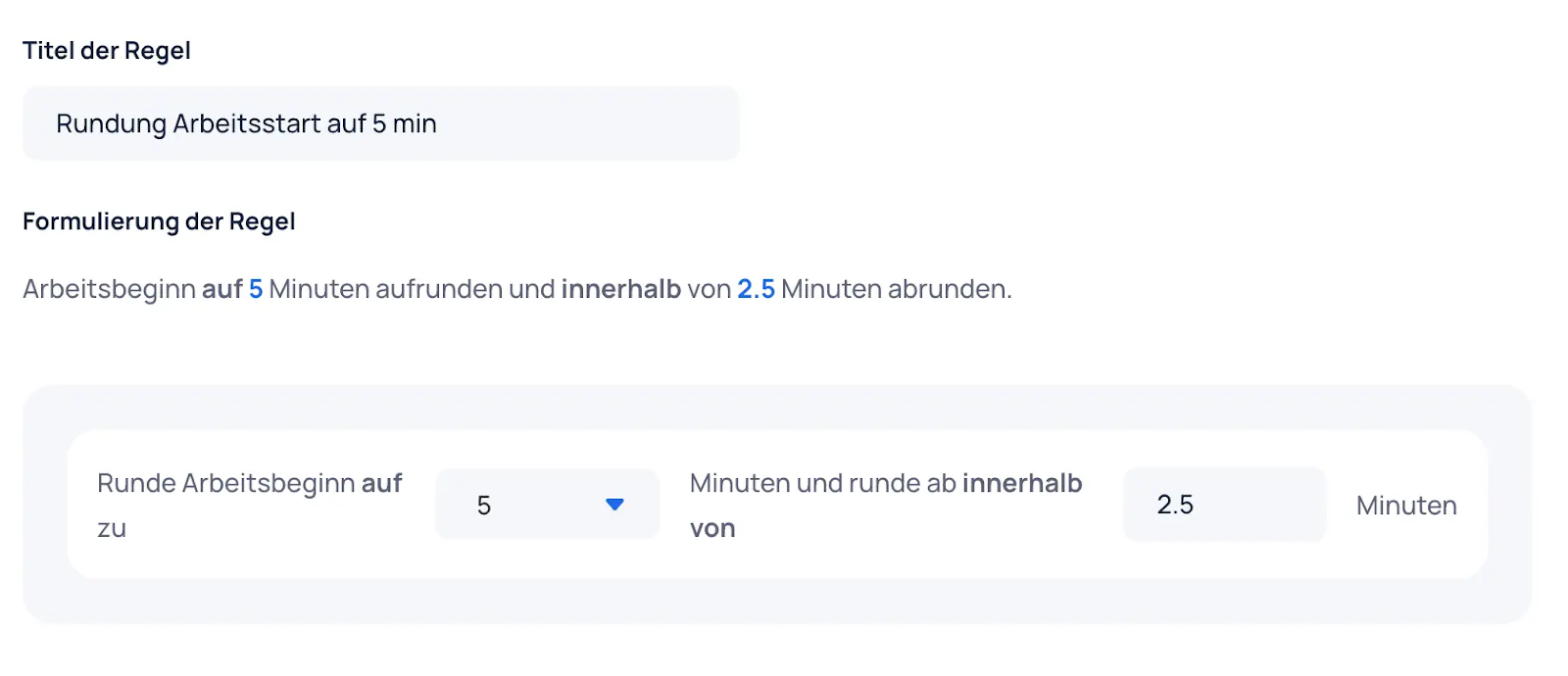
This rounds the work to 5 minutes. At 2 minutes 30 seconds, it is rounded down; from 2 minutes 31 seconds, it is rounded up.
Break Recording
Break recording rules can be used to round up partially taken or untaken breaks to match the break assigned to the shift.
Example: Fill untaken breaks of types {break types} when work is stopped and these breaks are assigned to the shift.
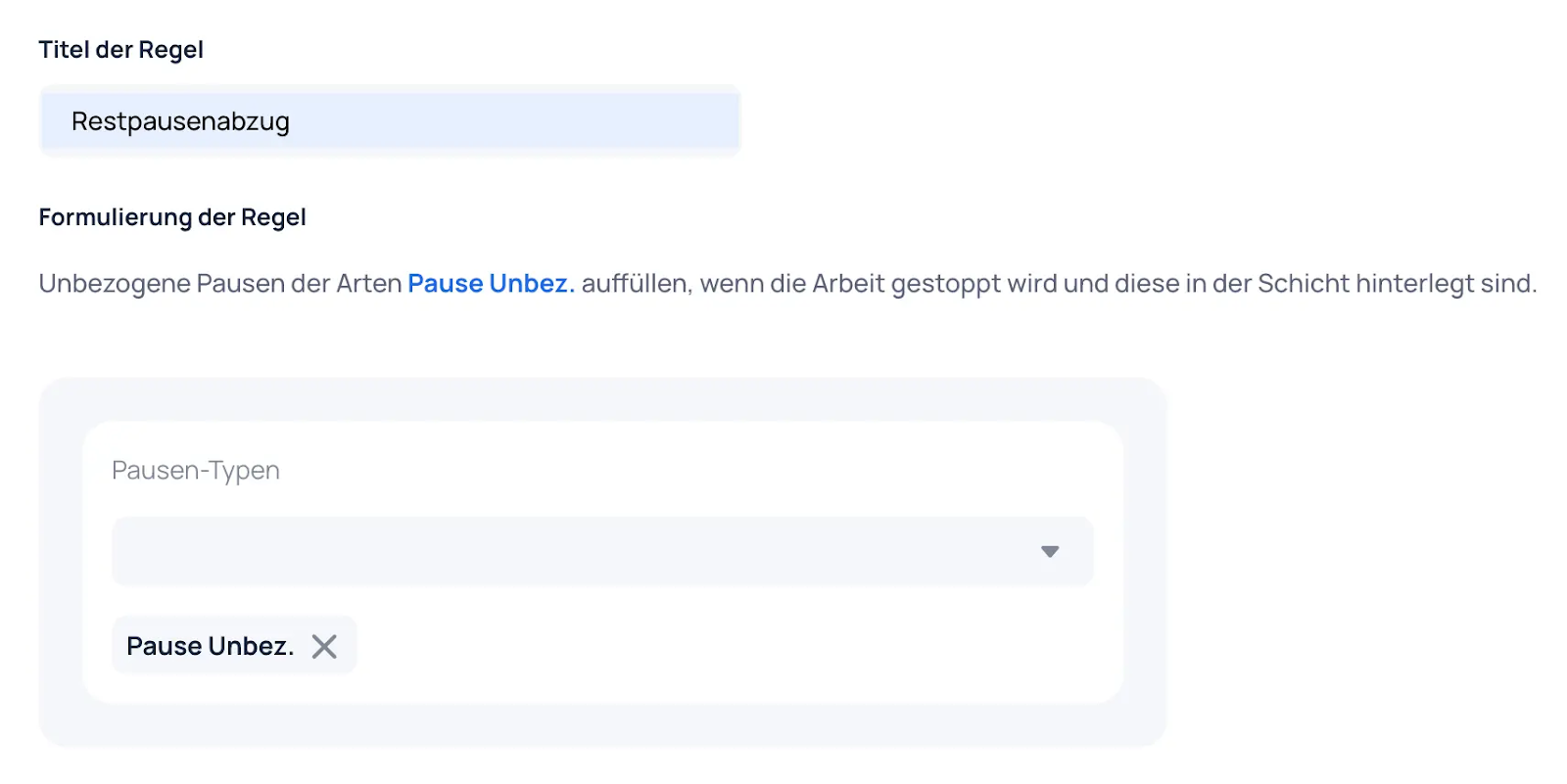
The break rounding appears as a single entry under the shift/work entry in the reports.
Time Entry Rules
These provide clear instructions for editing time entries and ensure that changes can only be made within the defined time period. They supplement the Time Tracking setting "Employees can manually add/change time entries" under Organization --> Contracts --> Time Tracking --> Time Tracking Settings.
Example: Users cannot change time entries older than {time period}.
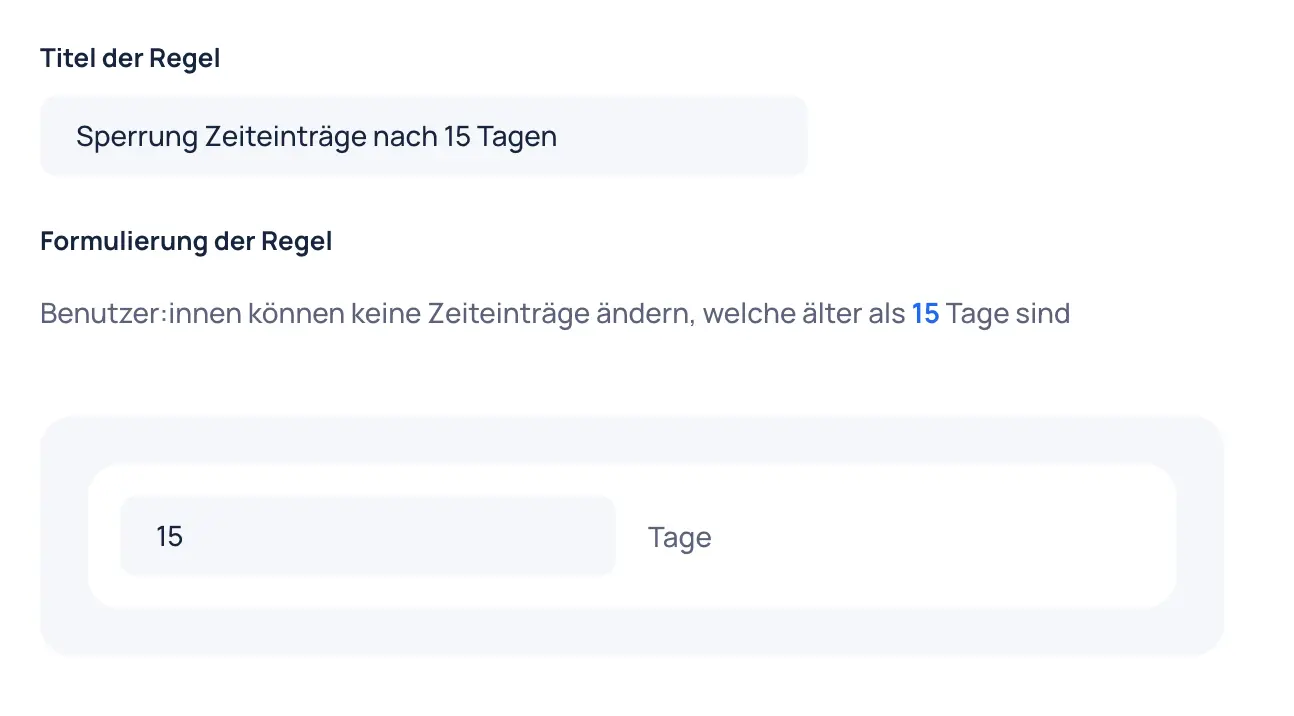
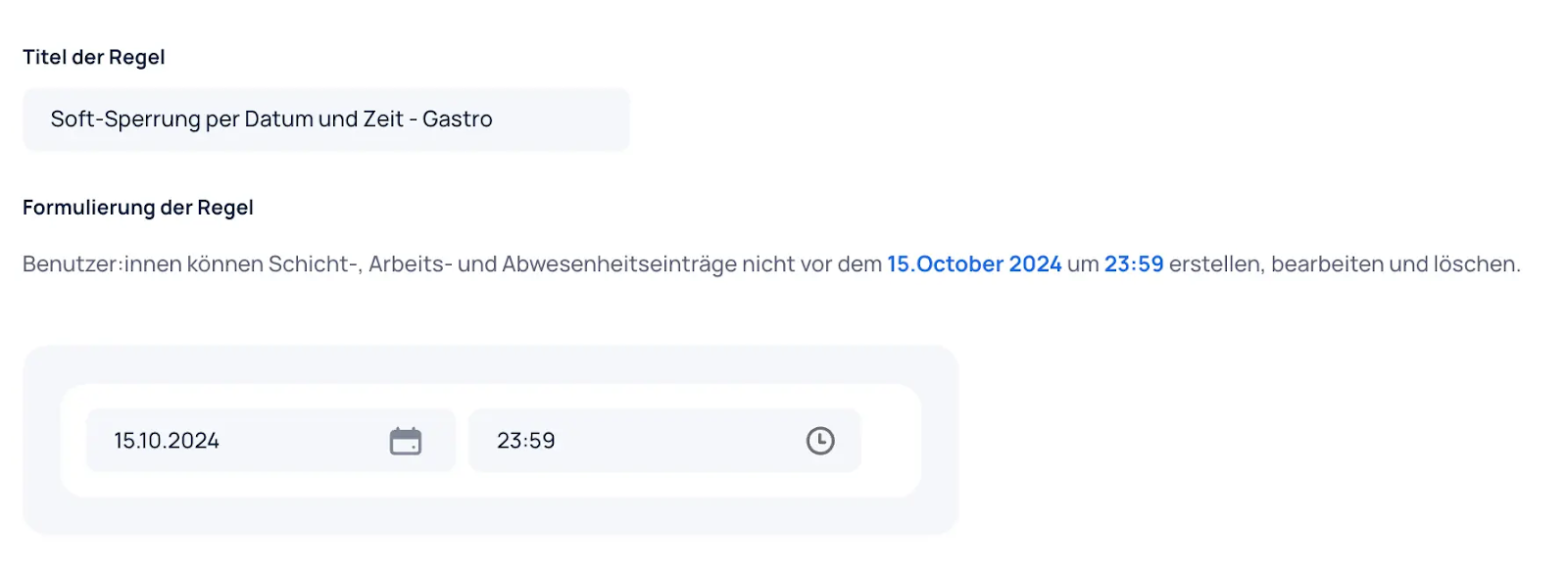
Example: Users cannot create, edit, or delete shift, work, and absence entries before {date} at {time}.