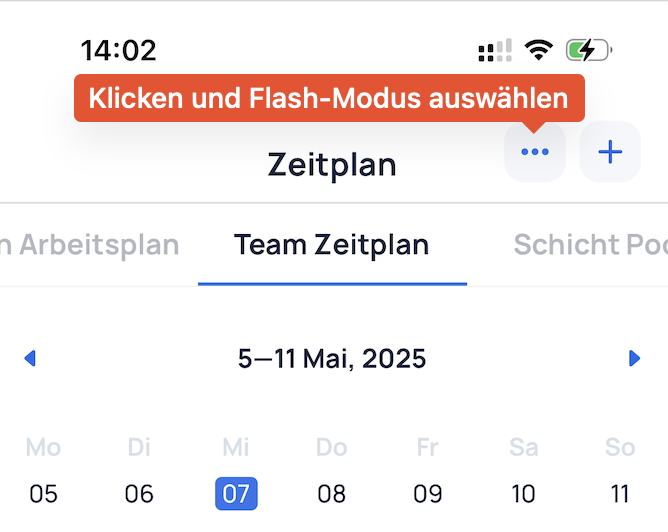
Open up to 10 teams in the Schedule Assistant, using the default pre-selected teams from the schedule.
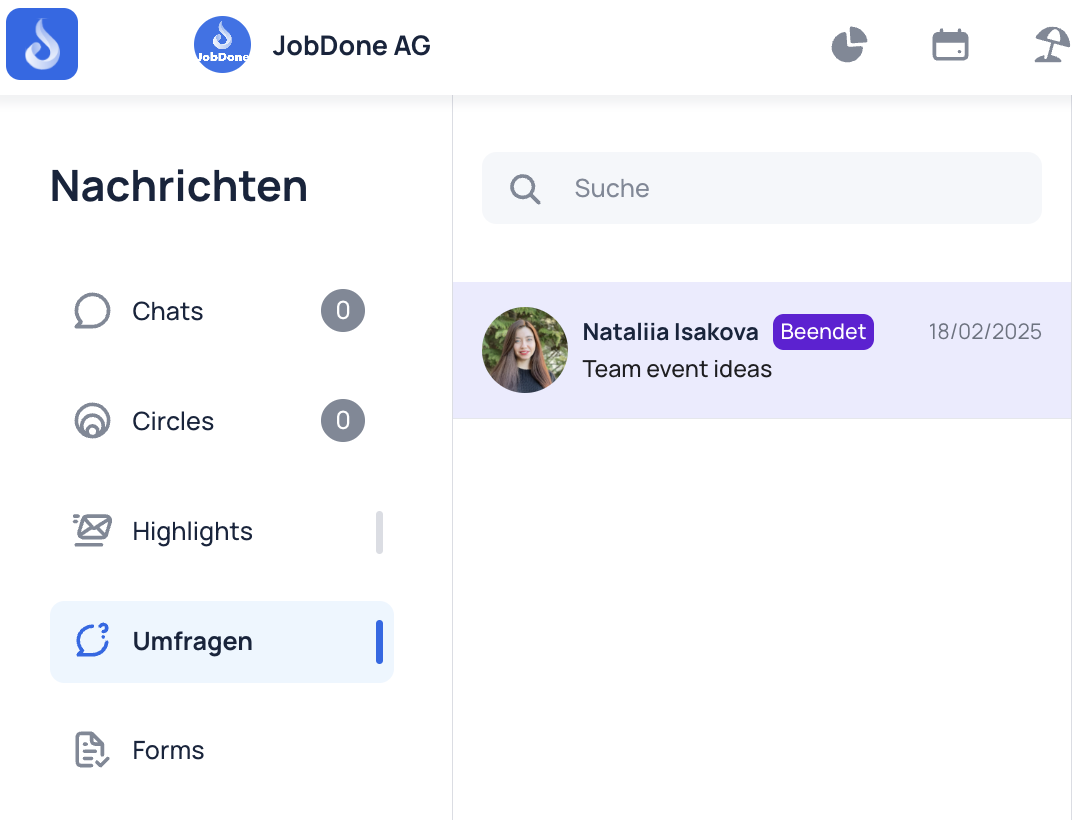
Surveys and forms are now available in Messenger.
Additional features in the New Schedule (Beta):
Assistant
Option to hide entries from other employees
AI Scheduling
Wish Dashboard
Export to Excel
Manage Sections
Option to add exceptions for minimum and maximum duration warnings on shifts and work.
Option to attach multiple files at once when creating a Circle post.
Ability to create subfolders in the Employee File Drive.
GIFs can now be added to Highlights.
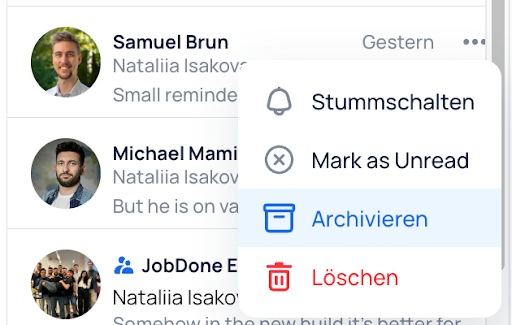
Option to archive and reactivate chats.
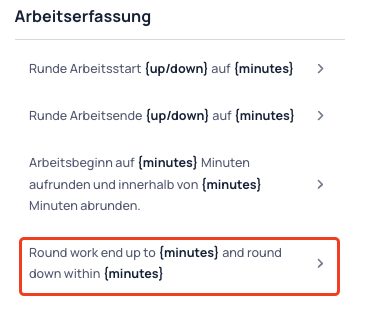
New Time Tracking Rule: The end of work can now be rounded up or down within a defined time period.
The target audience for surveys and forms is now displayed.
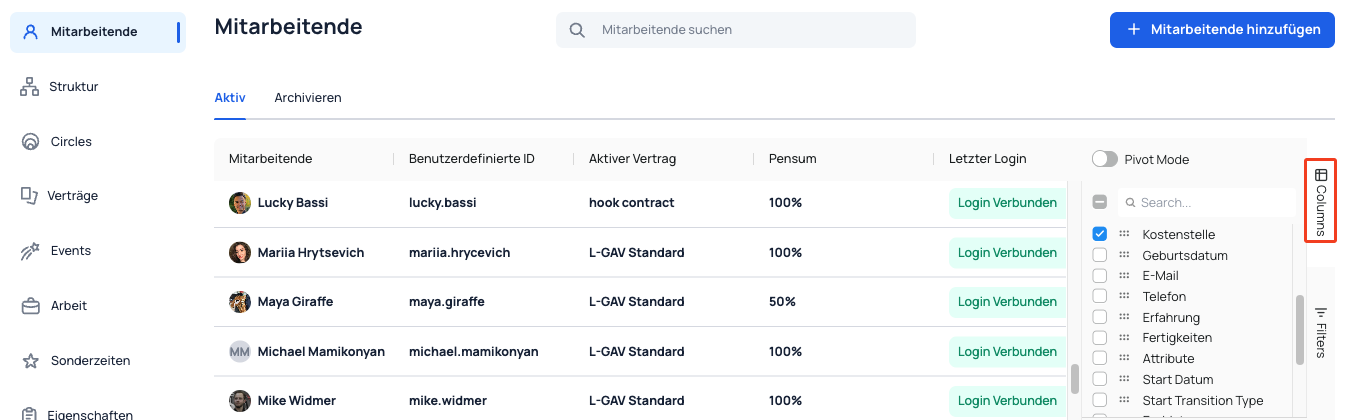
Additional columns from custom fields in the employee profile are now available in custom exports for Absence, Work, Shift, Time Entry, and Time Balance.
Option to customize the date format in custom exports.
Audit logs are now also available in Reports.
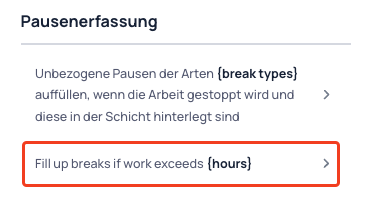
New Break Rule: Breaks can now be automatically added when an employee has worked for a set duration.
Time Tracker: Improved and redesigned team selector.
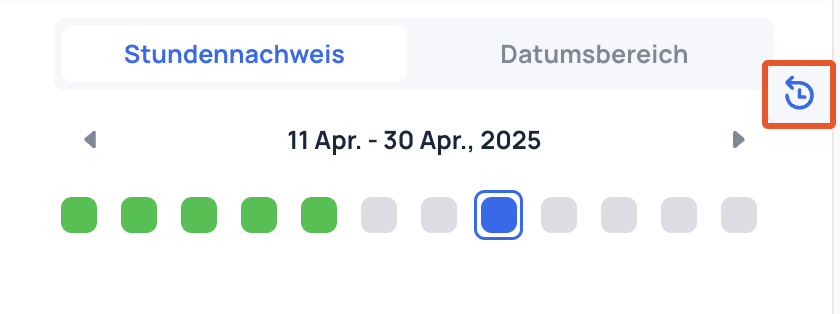
New warning to verify that every day has a shift, work entry, or absence.
Option to select a source for shifts in Shift Pool in Circle settings.
New columns in the Employee table.
Absence Type: Added option to define custom abbreviations (codes).
File Drive: Implemented advanced filtering and search functionality.
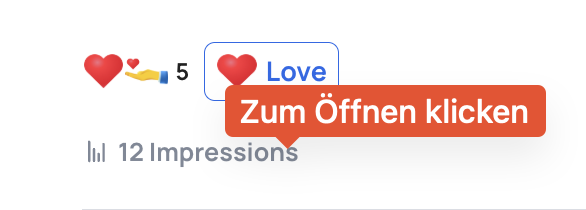
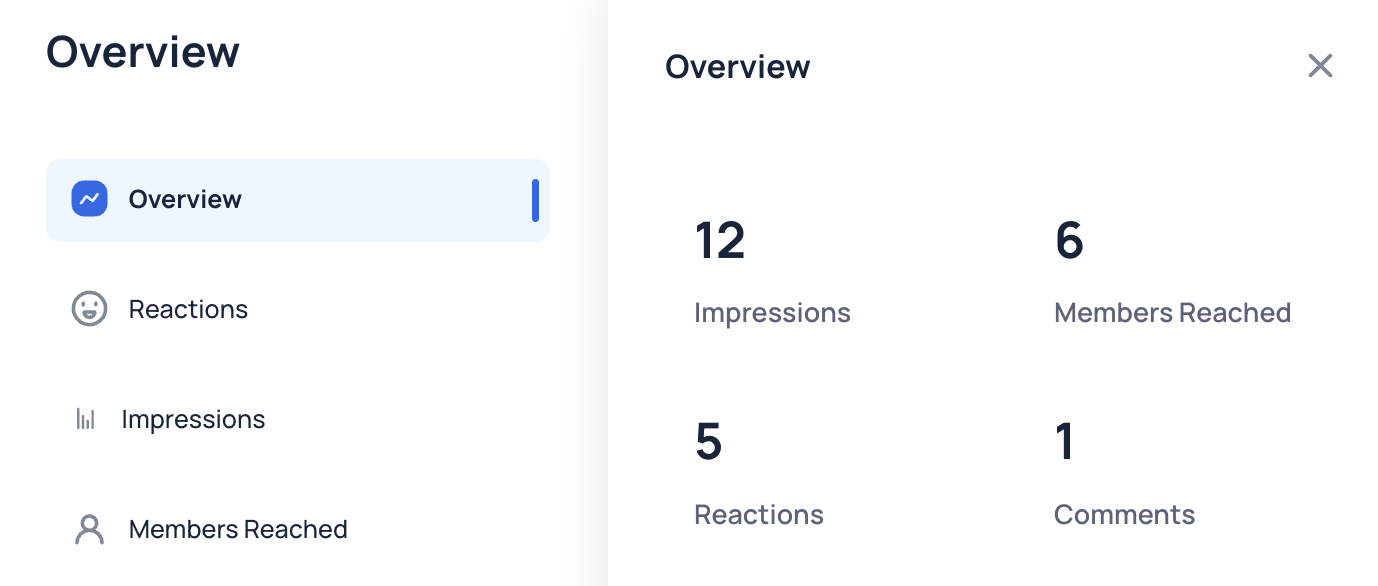
Circle Post Impressions: Track engagement on Circle posts (available for Global Admins and Communication Admins).