May
Published: May 2025
Update
Dear JobDone User,
We are pleased to send you the latest updates on JobDone:
Web App
-
Open up to 10 teams in Schedule-Assistant, with default pre-selected teams as in the schedule.
-
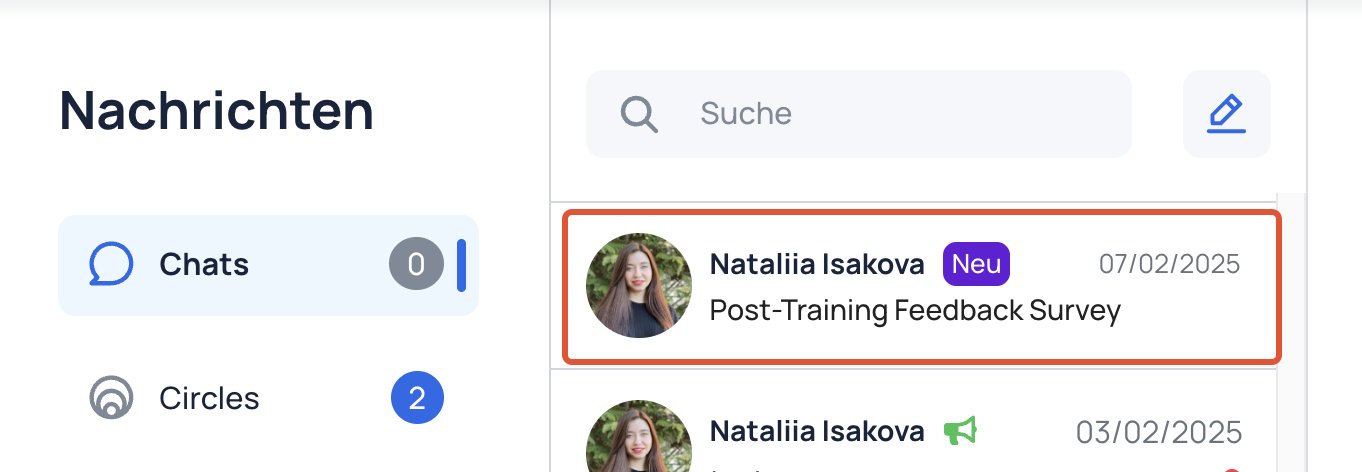
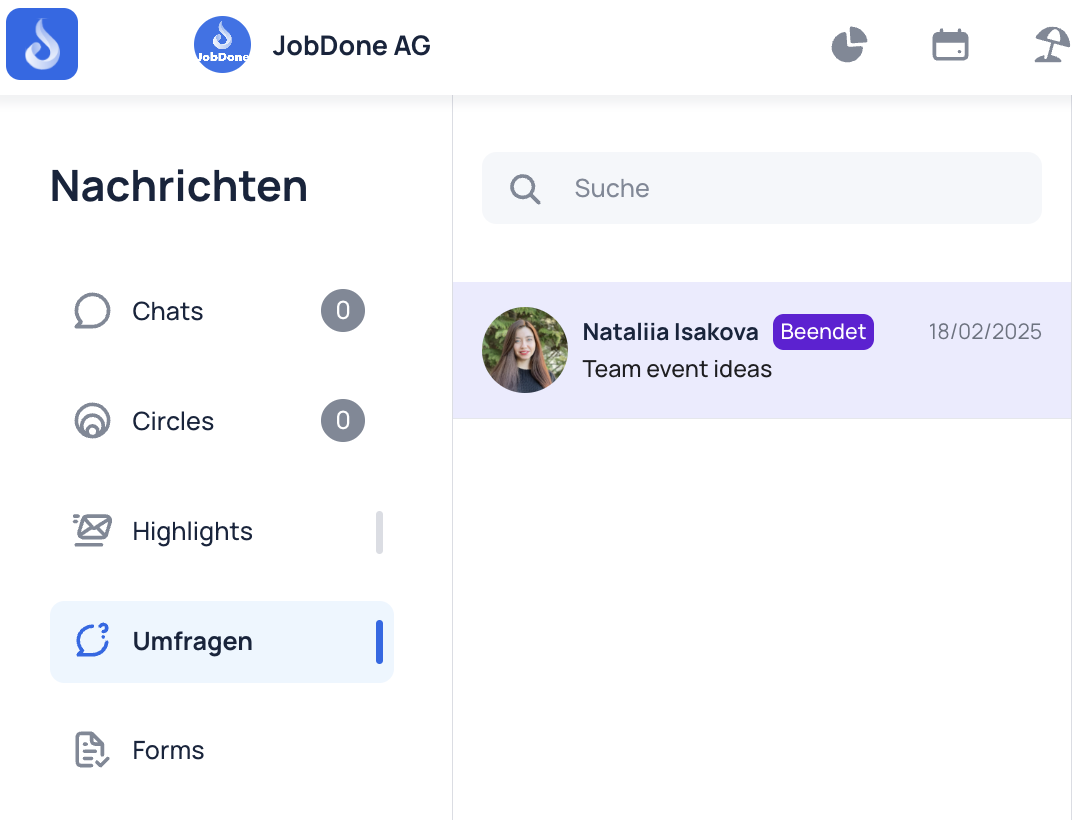
Surveys and Forms are added to Messenger.
-
Additional functionality in New Schedule:
- Assistant
- hide entries from other employees functionality
- AI Schedulling
- Wish Dashboard
- Export to Excel
- Manage Sections
-
Option to add exceptions to the minimum duration of shifts and work Warnings.
-
Option to attach multiple files at once when creating a Circle post.
-
Possibility to create subfolders in the Employee File Drive.
-
GIFs can now be added to Highlights.
-
Option to archive and activate chats.
-
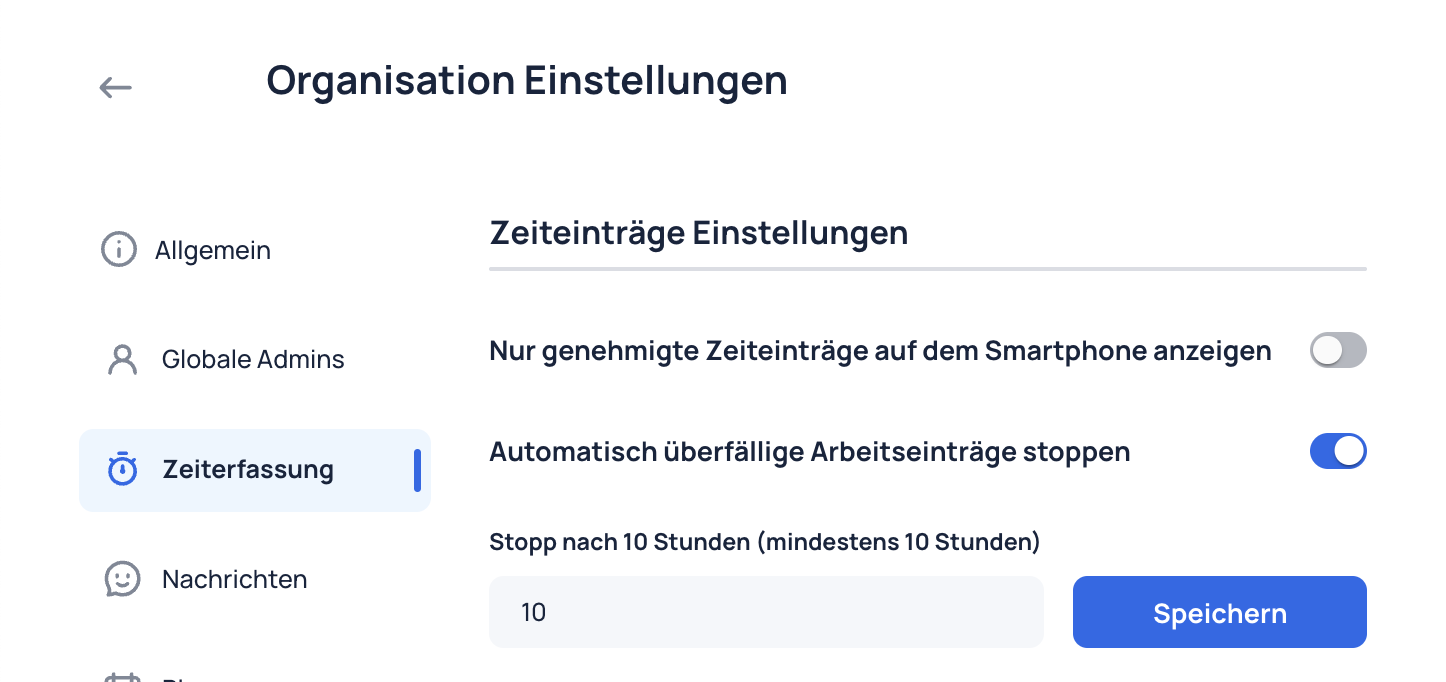
New Time Tracking rounding rule to round the end of work up or down within a selected period.
-
Audience employees of Surveys and Forms are now displayed.
-
Additional columns from custom fields in the employee profile are now included in Absence, Work, Shift, Time Entry, and Time Balance exports.
-
Option to customize the date format in custom exports.
-
Audit logs are now available in reports.
-
New Break Tracking rule: breaks can now be auto-filled when a user works a set duration.
-
Time Tracker: Improved and redesigned the team selector.
-
New Warning to check if there is a Shift, Work or Absence on every day.
-
Option to select a source for shifts in Shift Pool in Circle settings.
-
New columns in the Employee table.
-
Absence type: added option to define custom abbreviations (codes).
-
File Drive: implemented advanced filtering and search functionality.
-
Circle Post Impressions: track engagement on Circle Posts (available for Global and Communication Admins).
Mobile App
- Flash Mode on Mobile: Create schedules in just a few taps.
- New Notification Settings: Notification settings can control which notification you receive.
- Chat Typing Indicator: See when someone's replying in chat.
- Video Downloads: Files in the Drive can now include downloadable videos.
- Option to change the order of employees in the Team Schedule.
Thank you for being a valued JobDone User, and we hope you enjoy these new features! If you have any questions, please don't hesitate to reach out to us at support@jobdone.app.
Best regards,
JobDone Team