Events - Holidays - Special Times for Events
In JobDone, you can create events that are visible in the Schedule, on the web, and in the app.
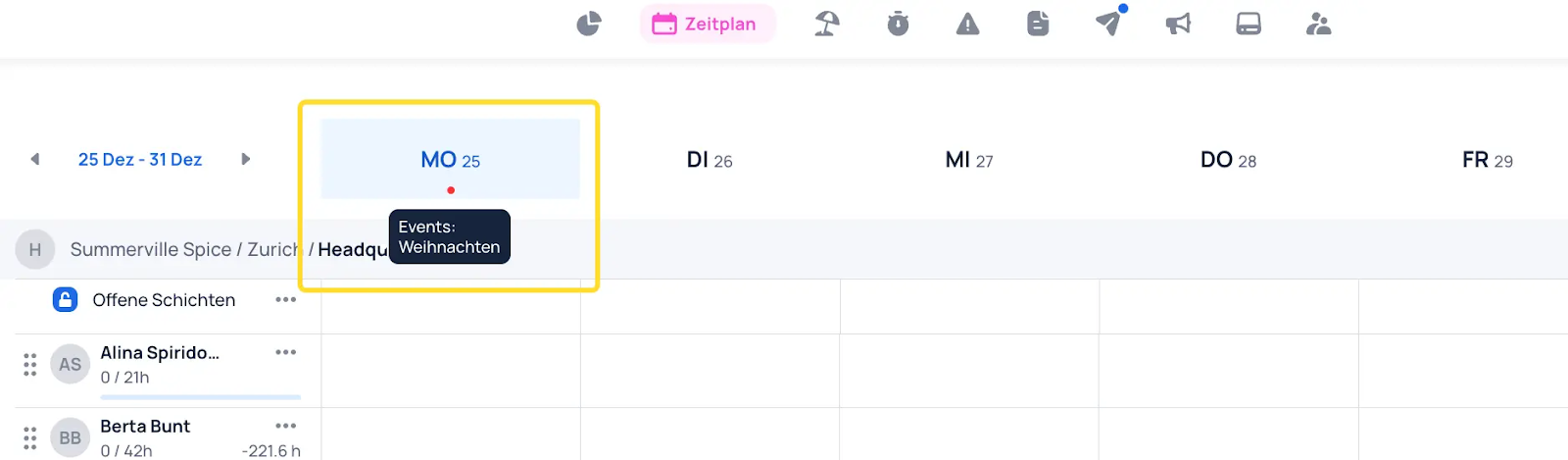
We distinguish between events that are purely informational (e.g., a company event) and events that affect time balances (working hours), such as public holidays in non-L-GAV contracts.
To set up events, follow this order: Event Types → Events → Event Groups.
Event Types
Every event must be assigned an event type. Within the event type, you can define the default daily duration and the applicable time periods. See the "Absences" chapter for more details.
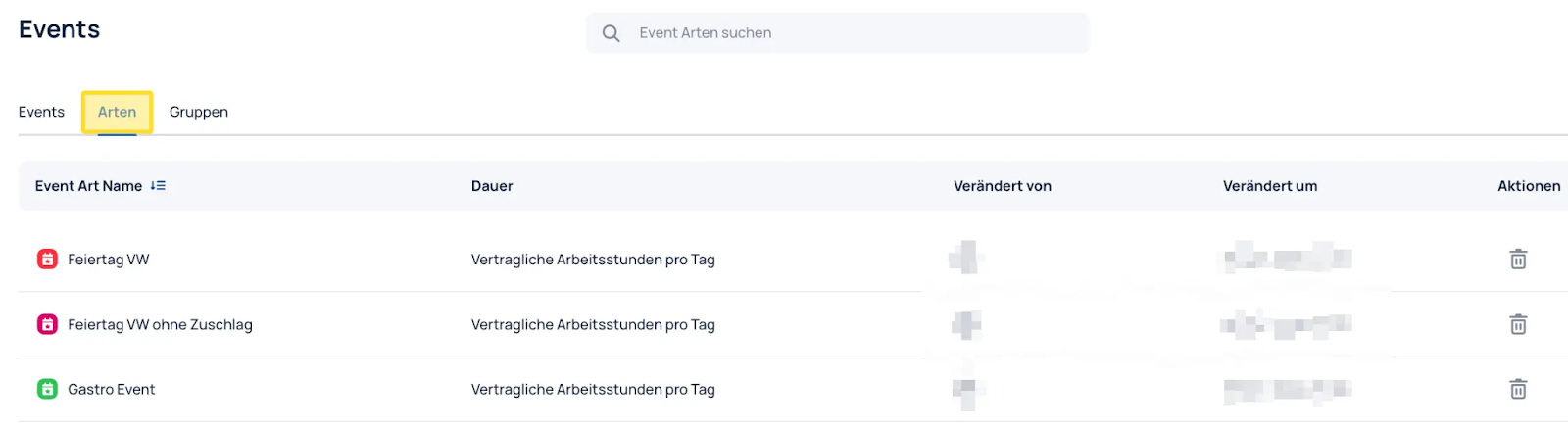
Event types form the foundation for how an event is configured. You can create different event types to assign different properties to individual events. For example, it may be useful to create one event type for public holidays with a surcharge, one for public holidays without a surcharge (special time surcharge), and one for company events (no impact on target or actual time).
Event Type with Impact on Working Hours or Wages
The event types "Public holiday with surcharge" and "Public holiday without surcharge" can be added to a contract in a similar way to an absence. Public holidays using this event type will then have the configured impact on time balances (working hours).
Event Type without Impact on Working Hours or Wages
-
Not shown in the timesheet: The "Company event" event type should only serve as information in the Schedule. It is not assigned to a contract and has no impact on time balances.
-
Shown in the timesheet: Optionally, the event type can be added to the contract as "No impact on actual/target time," causing events of this type to also appear in reports and timesheets for the relevant employees.
Events
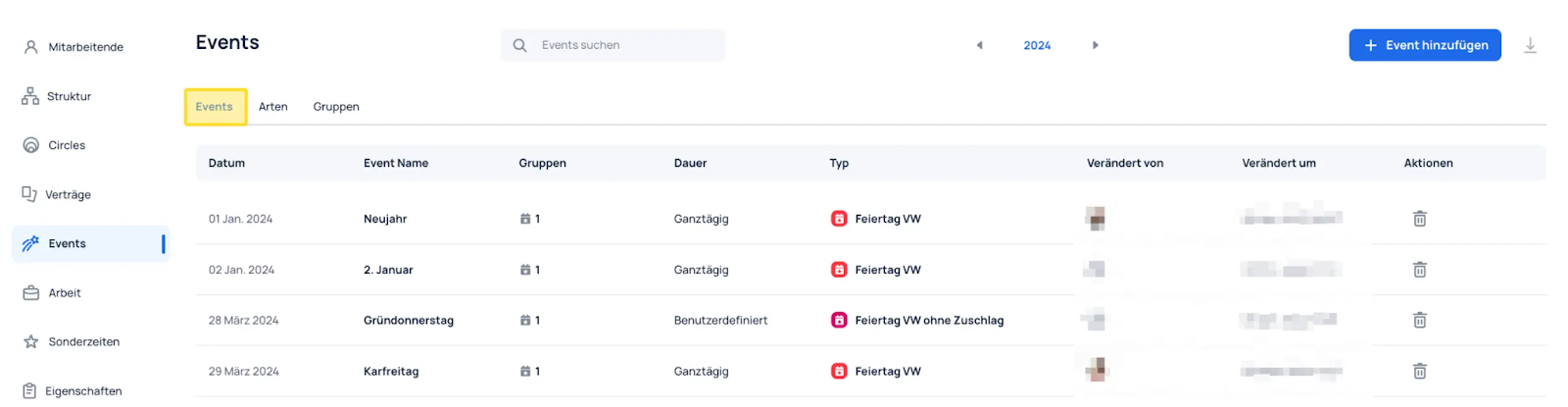
All created events are listed under Events.
Event Groups
Event groups are used to bundle events and assign them to a structural element (group or team) where the events will appear. Every event must be assigned to an event group.
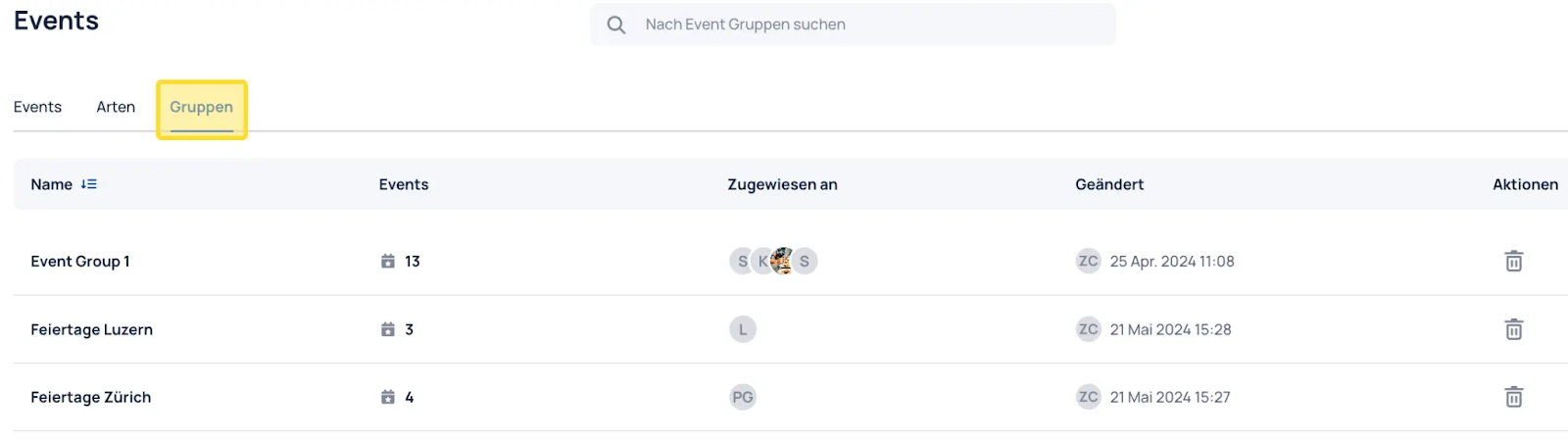
For example, you can create event groups for different cantons to bundle regional public holidays and assign them to the corresponding locations in your structure.
Special Time Surcharges on Event Types
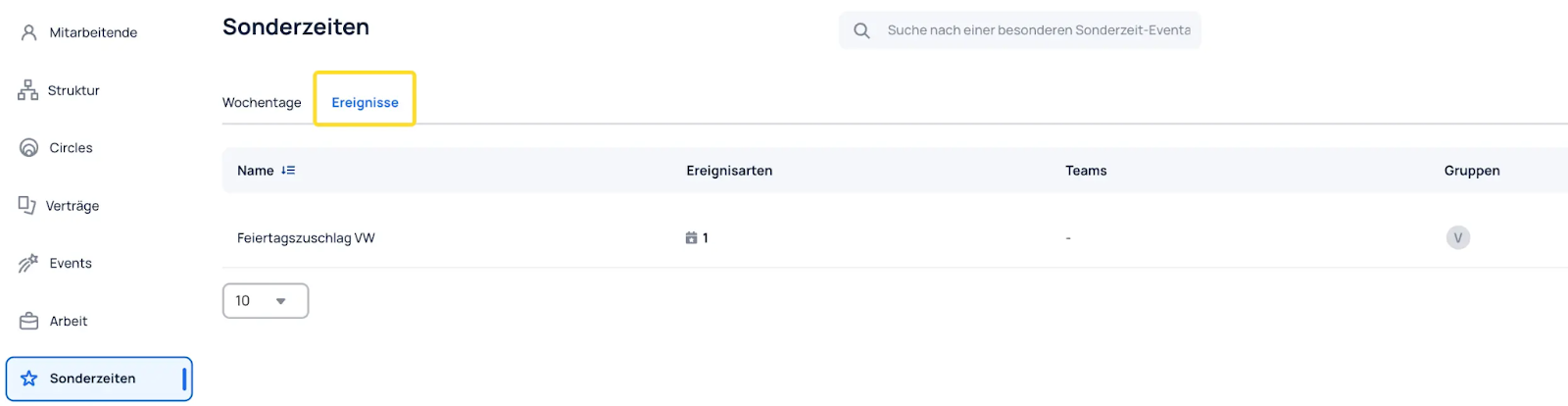
In JobDone, special times can be defined for event types. A common use case is a public holiday surcharge for employees who work on a public holiday. These can be set up under Special Times → Events.
In the example above, you would define the surcharge for the "Public holiday" event type and then assign the special time to the relevant group or team in the structure.